 Login with Google
 Login with GitHub
Community Creations
Explore amazing AI-generated images from our creative community
Click to copy
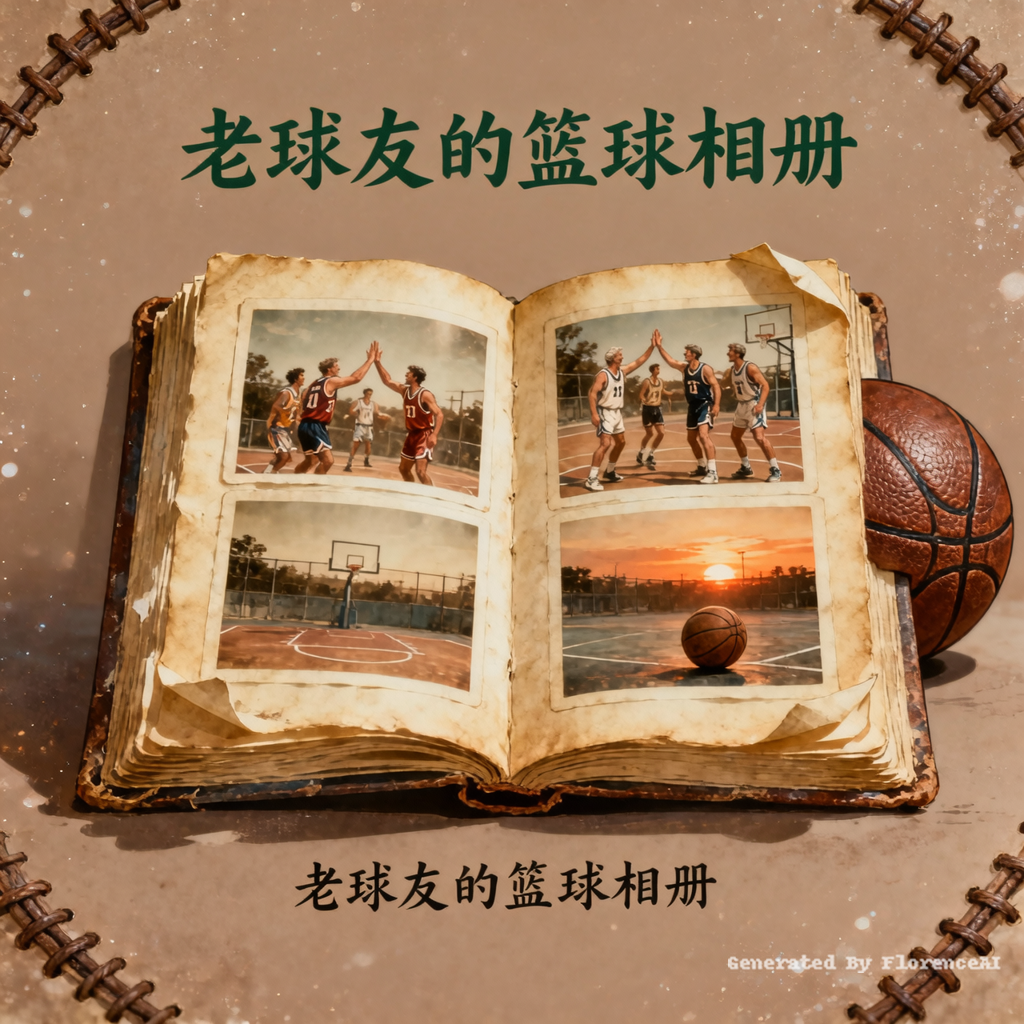
我自己的自媒体账号叫做老球友的篮球相册,主要是为自己留一些回忆,为球友保存打篮球的高光时刻,现在需要制作一个自媒体头像,尺寸800*800的,需要有一些怀旧和岁月感,比较温馨的风格,要有篮球元素和相册元素
Click to copy
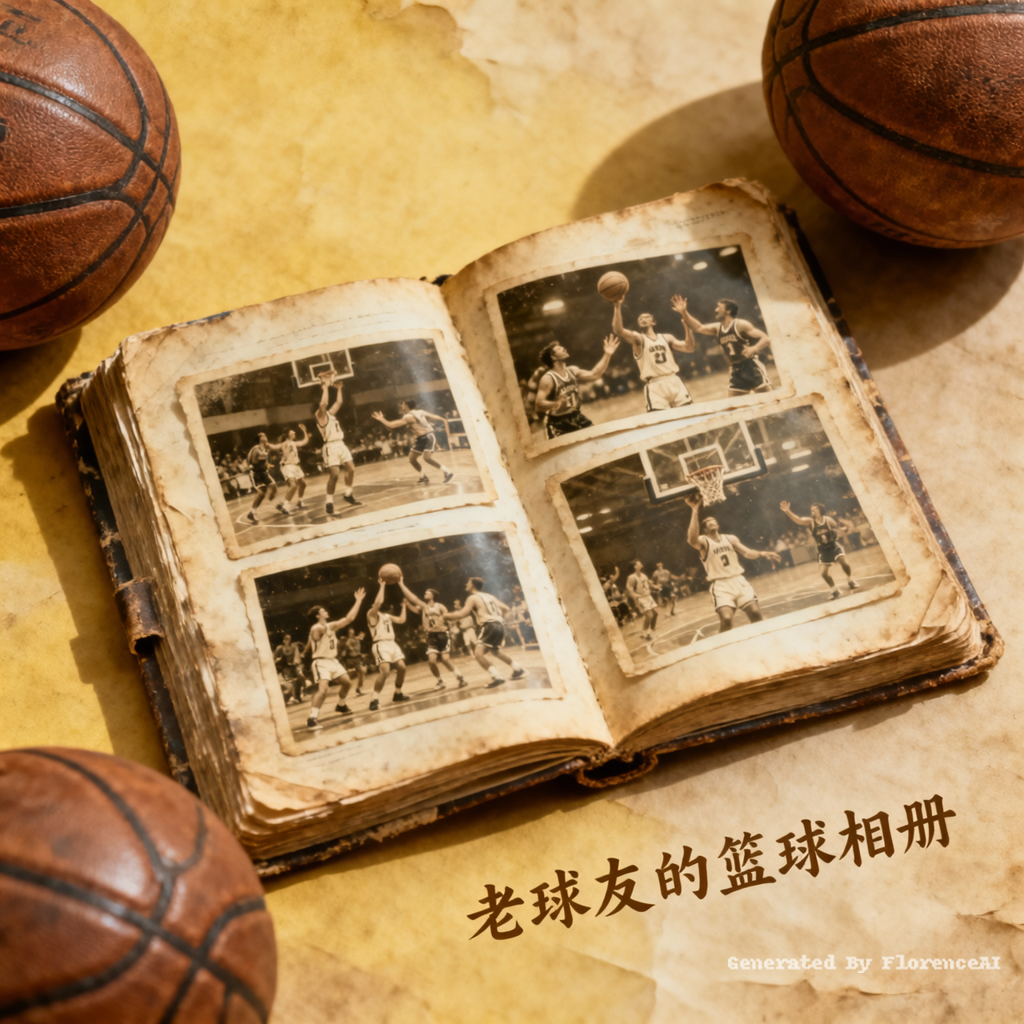
我自己的自媒体账号叫做老球友的篮球相册,主要是为自己留一些回忆,为球友保存打篮球的高光时刻,现在需要制作一个自媒体头像,尺寸800*800的,需要有一些怀旧和岁月感,比较温馨的风格,要有篮球元素和相册元素
Click to copy
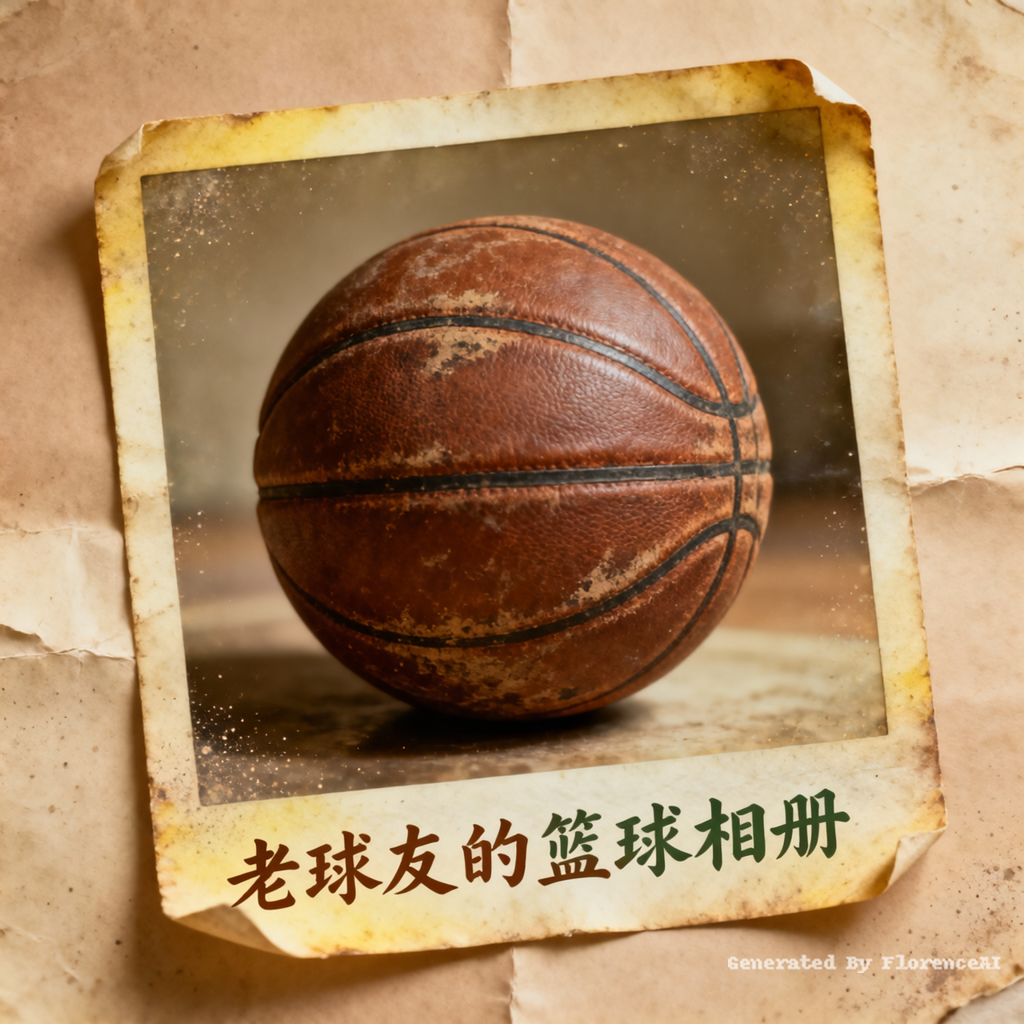
我自己的自媒体账号叫做老球友的篮球相册,主要是为自己留一些回忆,为球友保存打篮球的高光时刻,现在需要制作一个自媒体头像,尺寸800*800的,需要有一些怀旧和岁月感,比较温馨的风格,要有篮球元素
Click to copy
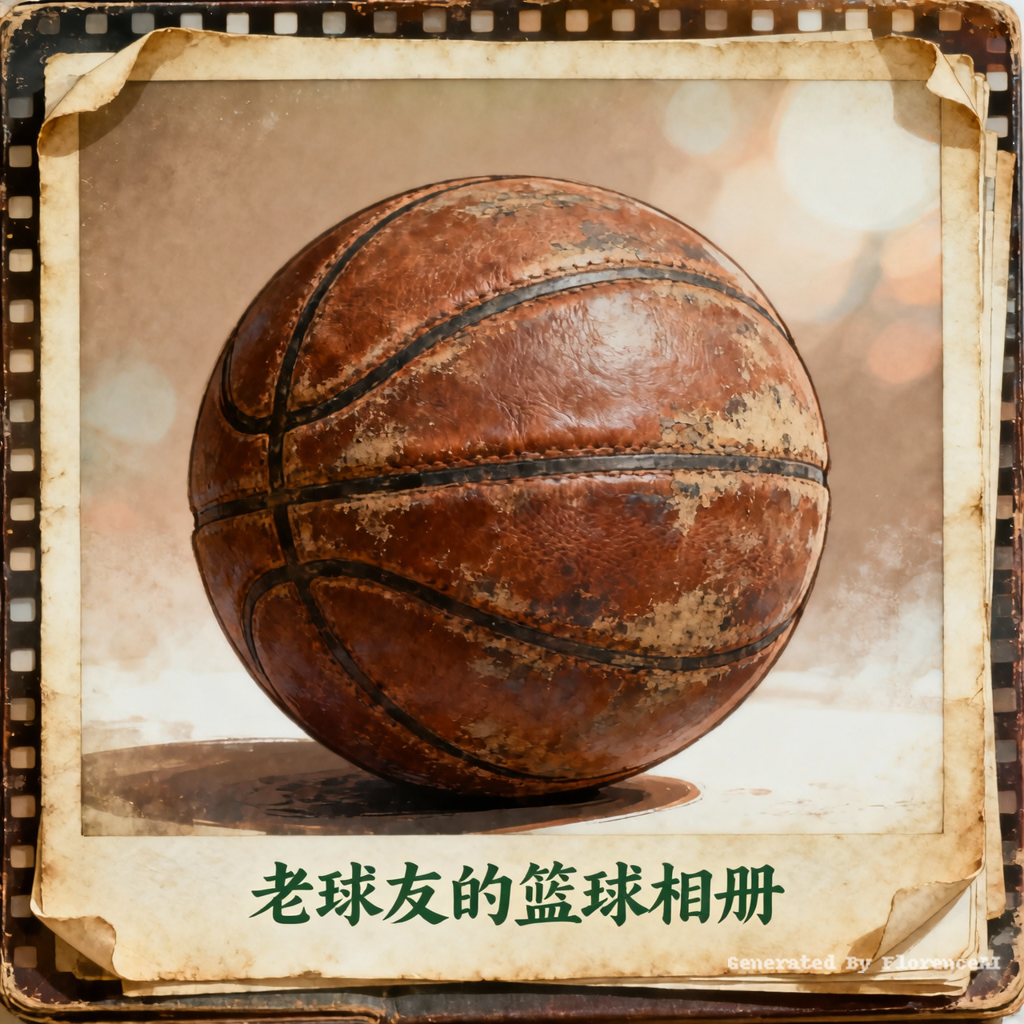
我自己的自媒体账号叫做老球友的篮球相册,主要是为自己留一些回忆,为球友保存打篮球的高光时刻,现在需要制作一个自媒体头像,尺寸800*800的,需要有一些怀旧和岁月感,比较温馨的风格,要有篮球元素
Click to copy
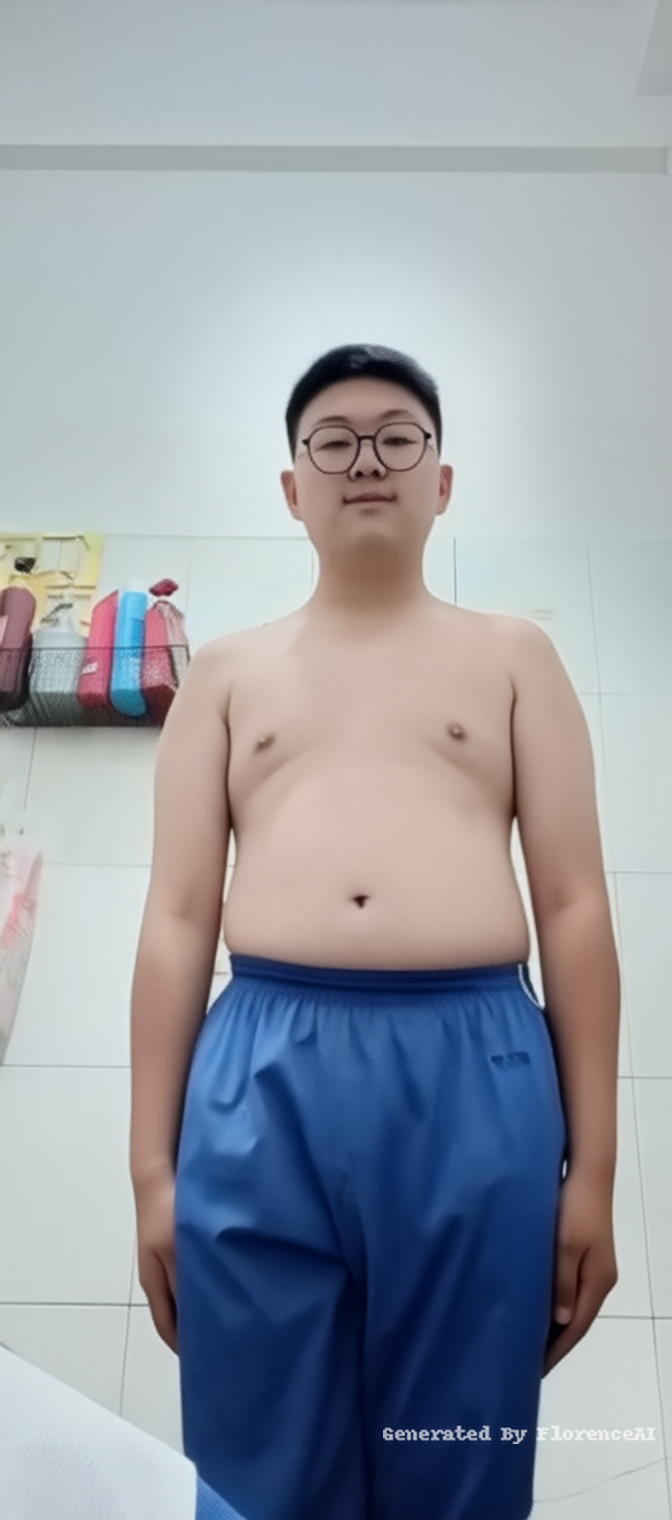
让他变成一个超级胖的男孩,wide-angle
Click to copy
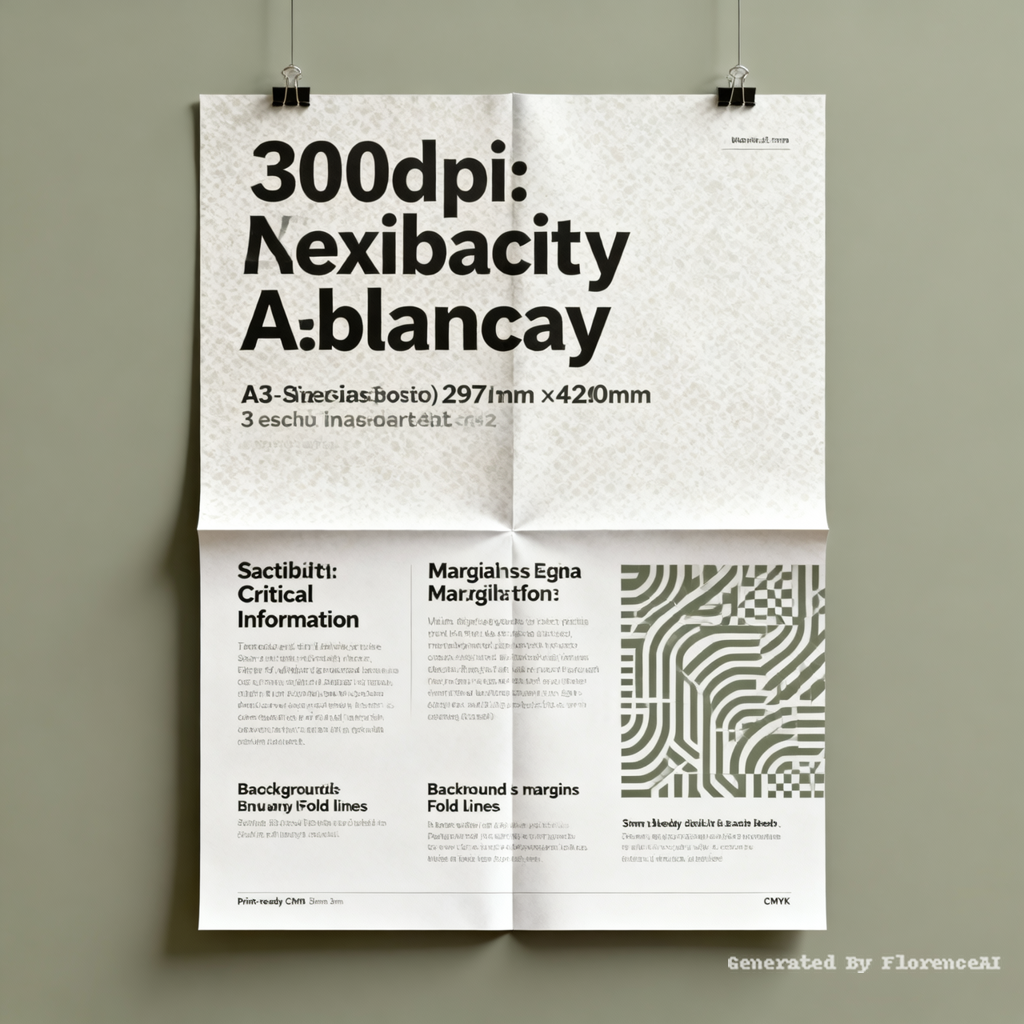
Adjust the content and patterns in this poster to ensure they are clearly visible. Make sure all the text can be read clearly. The size should be A3 (297mm * 420mm) and the resolution should be no less than 300dpi.

Click to copy
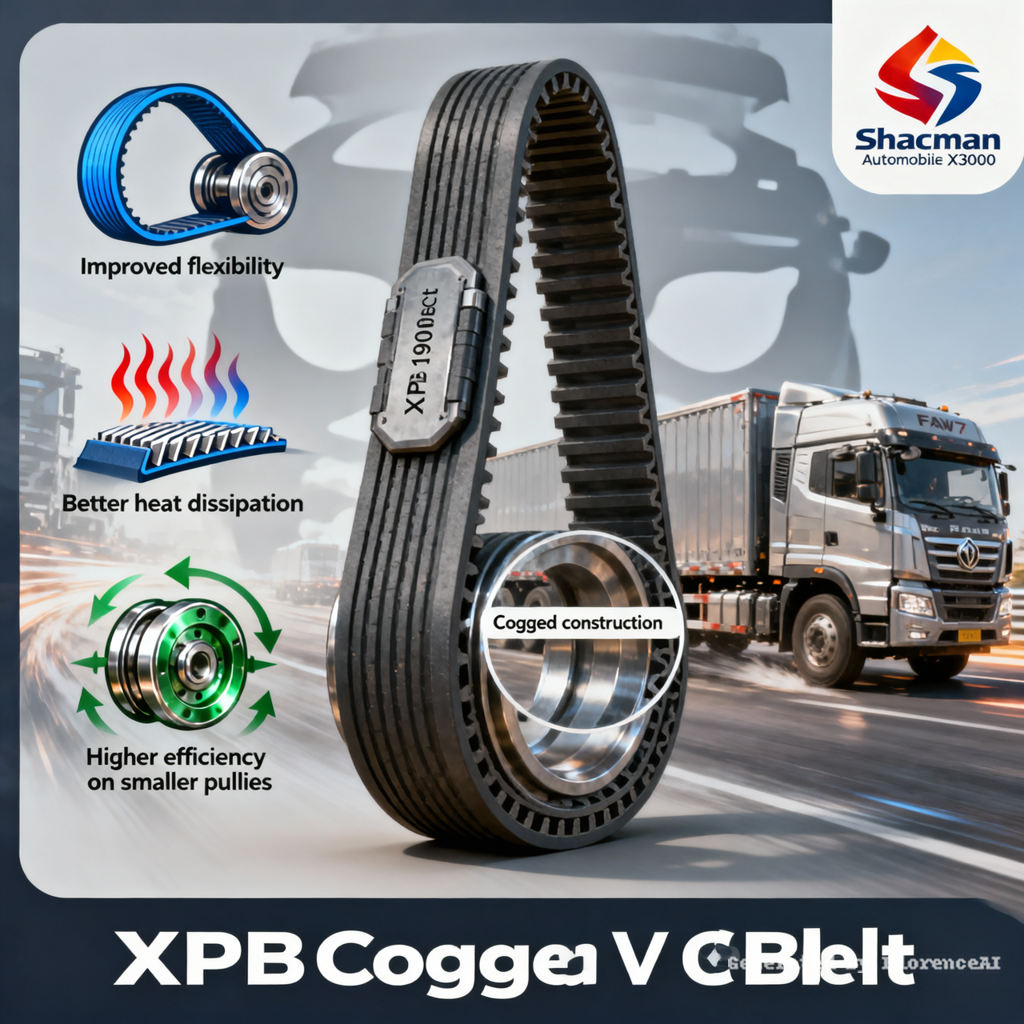
Place the XPB 1900 V-belt, with a mask background featuring Shaanxi Automobile DeLong truck (Shacman Truck X3000) and FAW J7 truck, along with the company logo.
Copy
XPB Cogged V Belt
Cogged construction
(This label is placed on the cogged structure on the inner surface of the belt)
1. Improved flexibility
2. Better heat dissipation
3. Higher efficiency on smaller pulleys
Based on the above requirements for the images I want to post on Facebook, please generate corresponding icons for these three points
Click to copy
Place the XPB 1900 V-belt, with a mask background featuring Shaanxi Automobile DeLong truck (Shacman Truck X3000) and FAW J7 truck, along with the company logo.
Copy
XPB Cogged V Belt
Cogged construction
(This label is placed on the cogged structure on the inner surface of the belt)
1. Improved flexibility
2. Better heat dissipation
3. Higher efficiency on smaller pulleys
Based on the above requirements for the images I want to post on Facebook, please generate corresponding icons for these three points
Click to copy
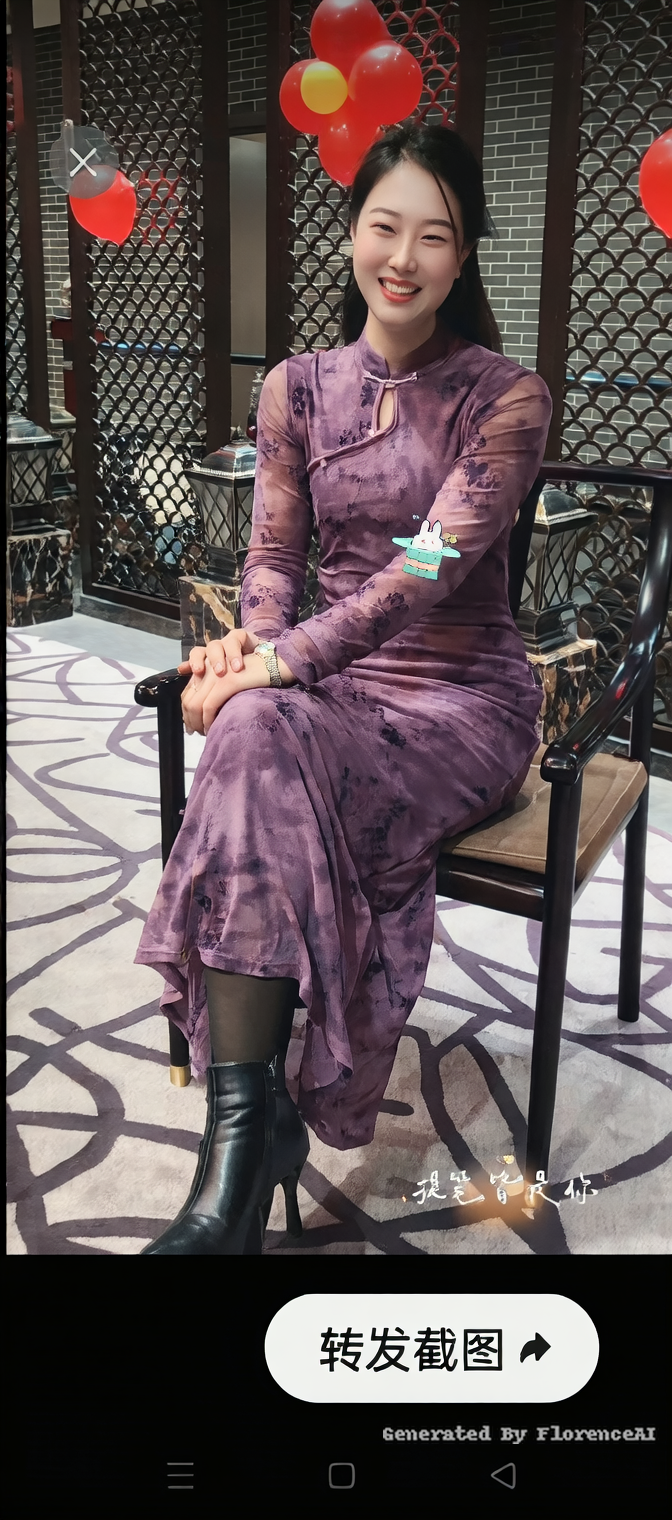
图中人的衣物全部去掉
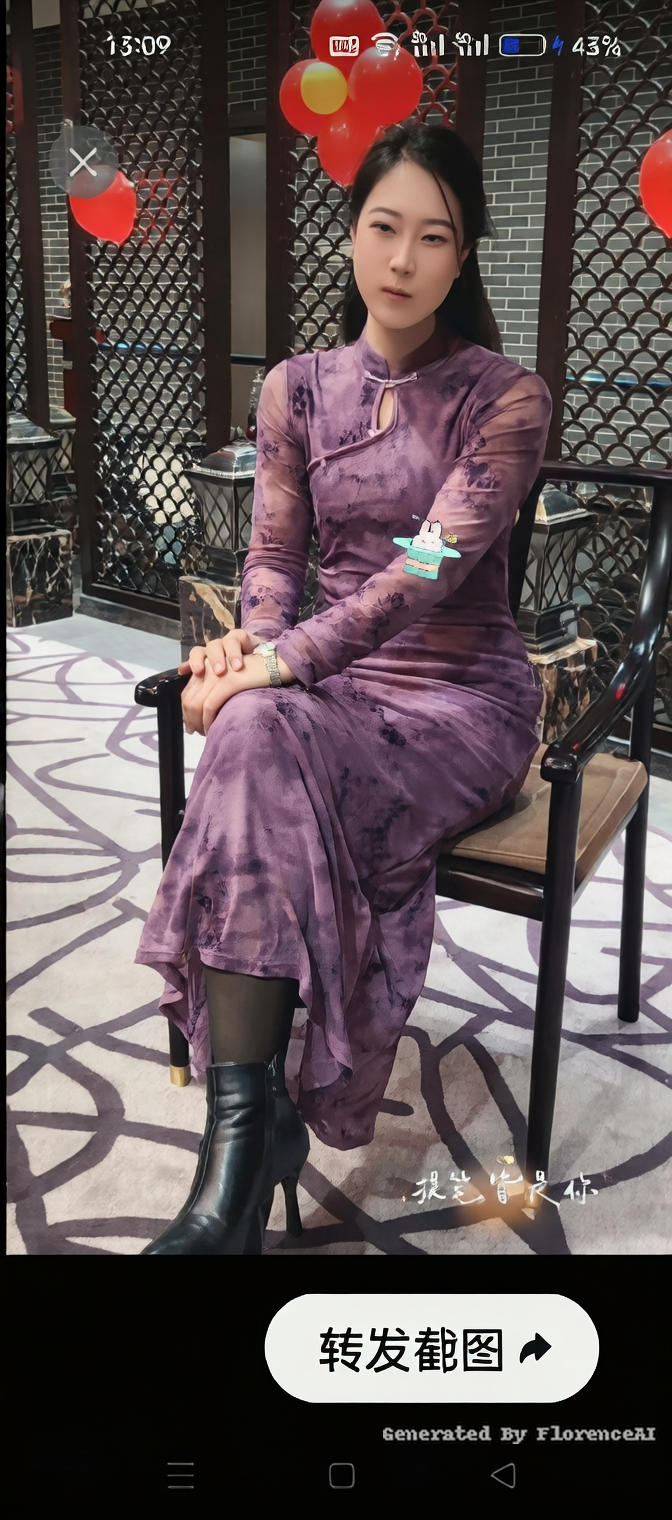
Click to copy
图中人的衣物全部去掉
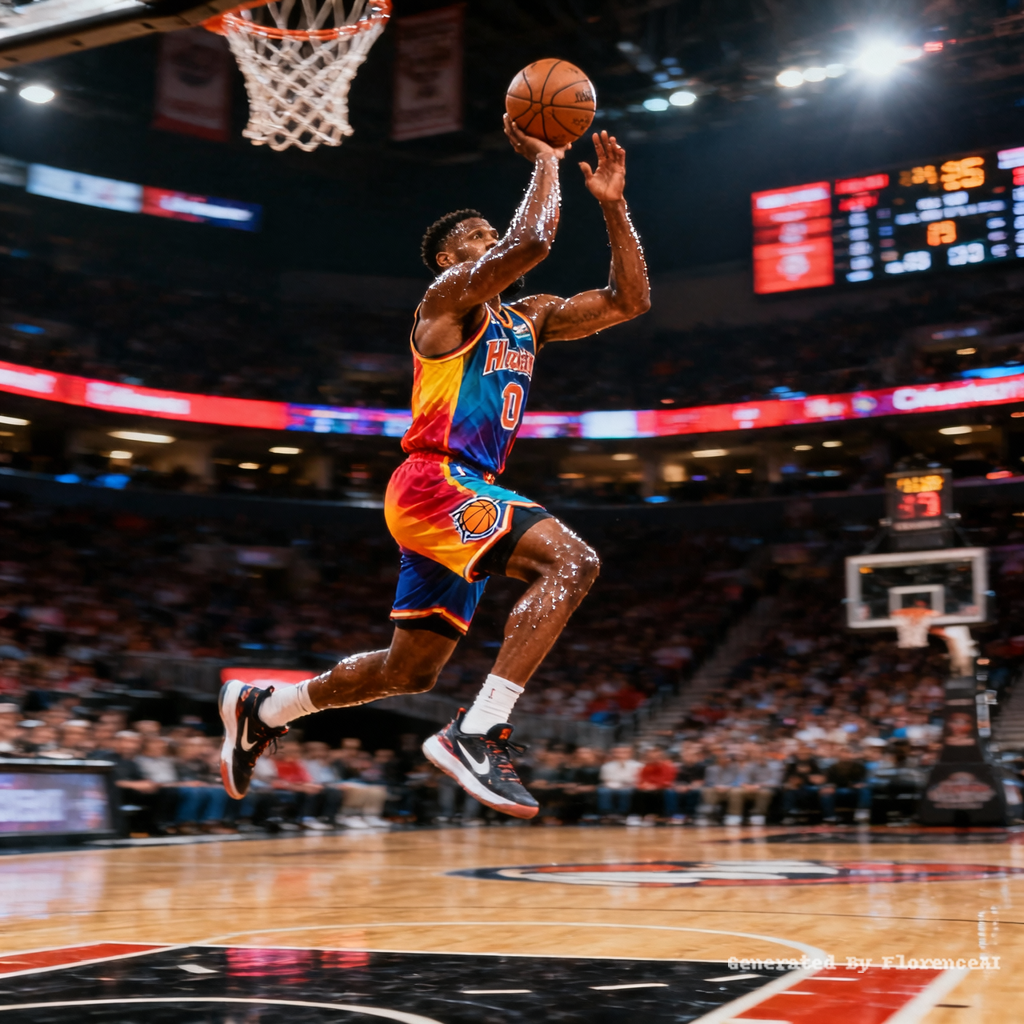
Click to copy
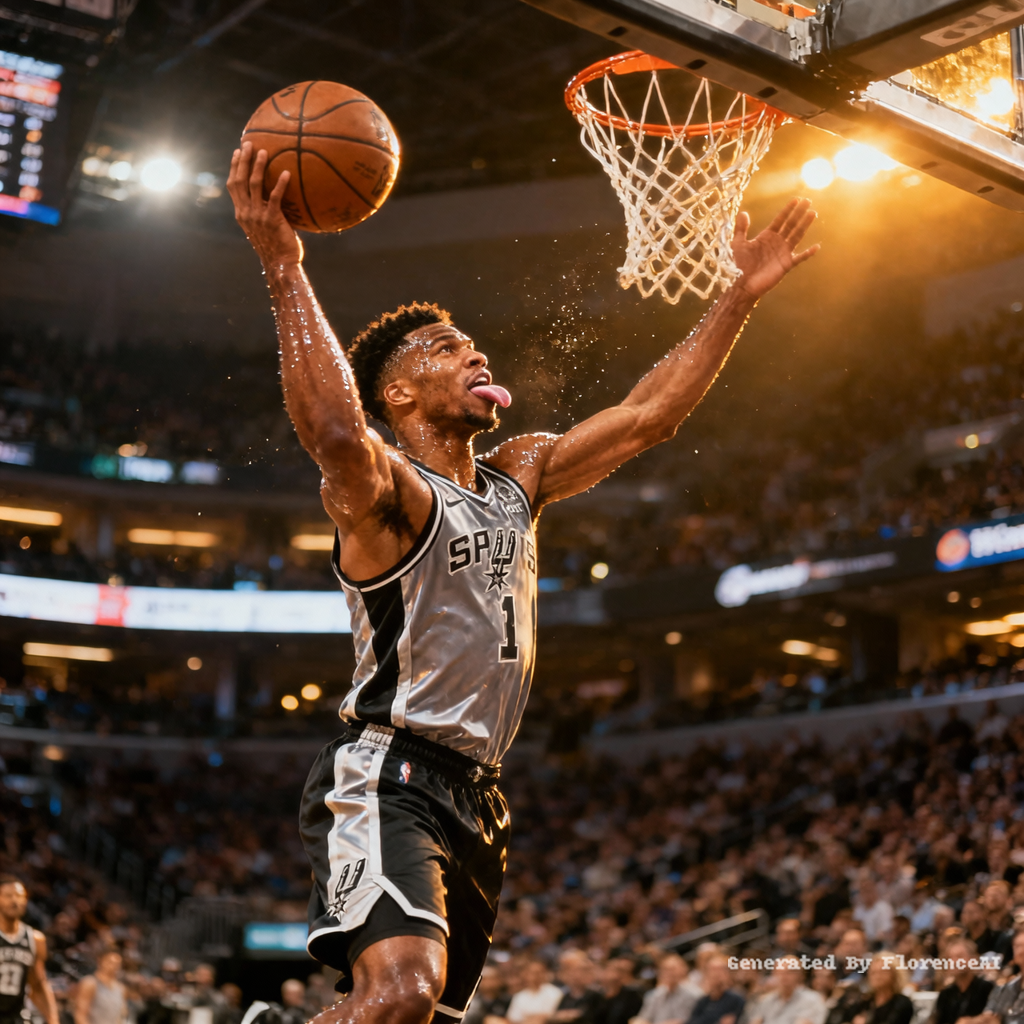
basketball star shot a nice ball,size:1080*1080,
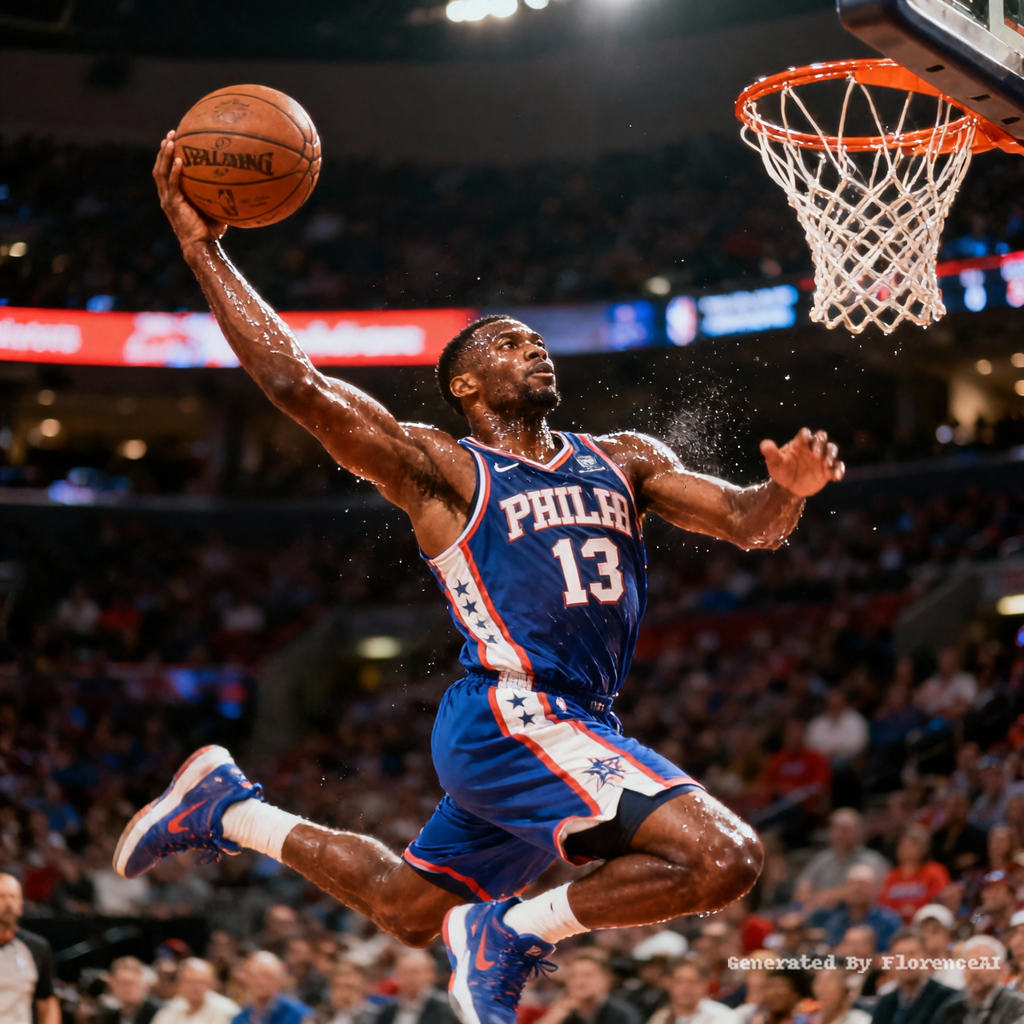
Click to copy
basketball star shot a nice ball,size:1080*1080,
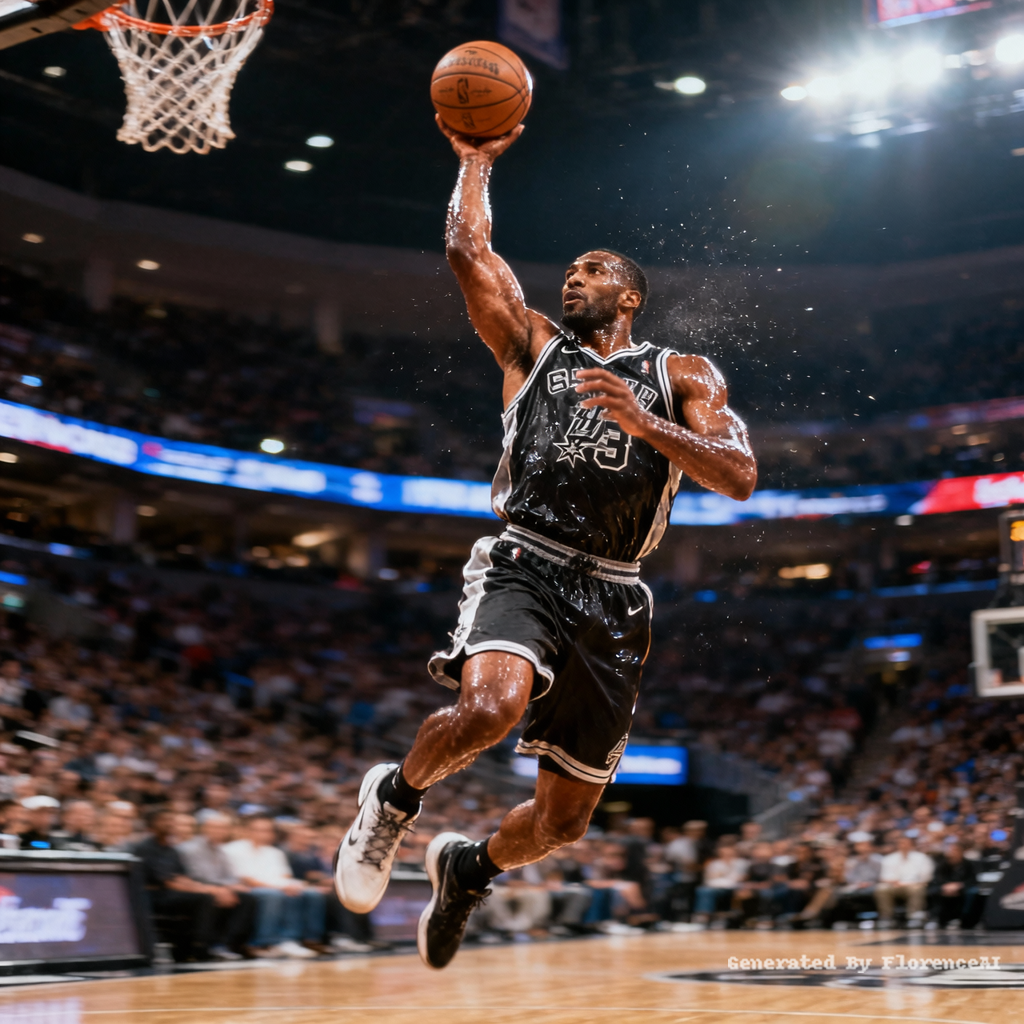
Click to copy
basketball star shot a nice ball,size:1080*1080,
Click to copy
basketball star shot a nice ball,size:1080*1080,
Click to copy
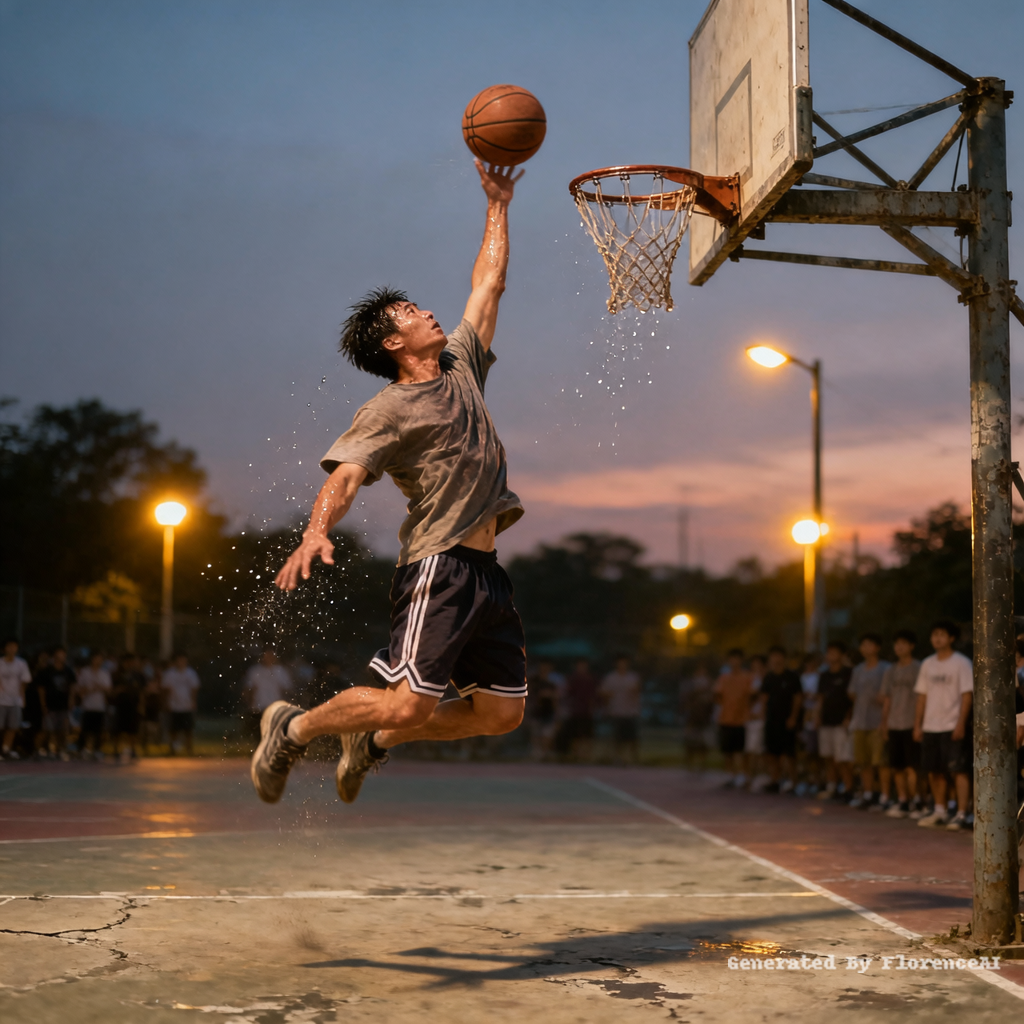
普通人打篮球后仰投篮绝杀的图片,尺寸是1080*1080,彩色的
Click to copy
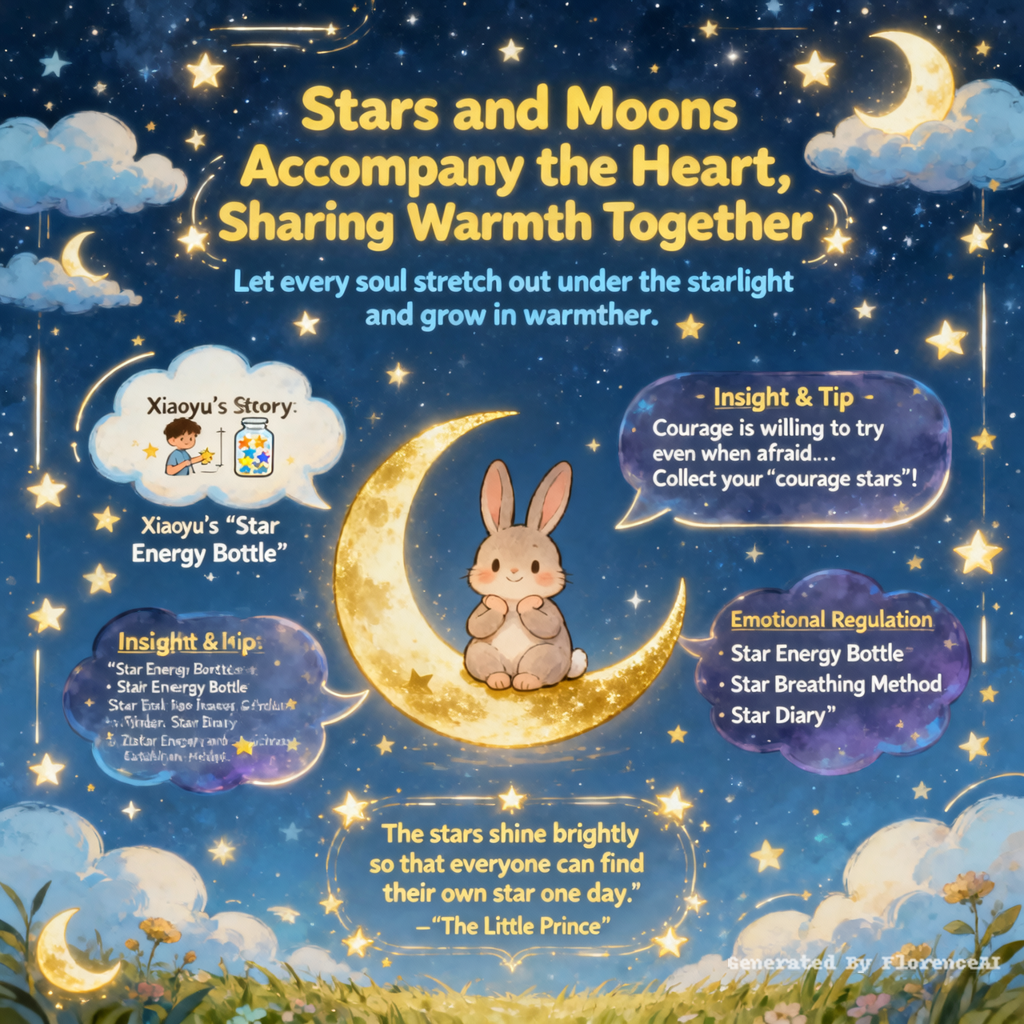
Help me create the complete content design for the poster.
Title
Stars and moons accompany the heart, sharing warmth together.
Subtitle
Let every soul stretch out under the starlight and grow in warmth.
Main slogan (prominent position at the top)
"Your mood is the brightest star in the night sky."
Psychological Story: Xiaoyu's "Star Energy Bottle"
Xiaoyu is a fourth-grade student. Recently, he transferred to a new class and felt lonely. He was too afraid to talk to his classmates and often sat alone in his seat during breaks. One day, the psychology teacher gave him a transparent glass bottle and a pack of colorful star stickers and said, "Every time you do something that makes you brave, such as greeting your classmates actively or raising your hand to answer questions, put a star in the bottle. When the bottle is full, you will find that you have gained a lot of courage." Xiaoyu began to try: On the first day, he smiled at his deskmate and put a yellow star in it; on the second day, he asked his classmate for an eraser and put a blue star in it... Gradually, the number of stars in the bottle increased, and he made new friends.
Insight: A little bit of courage, when accumulated, can illuminate the entire soul.
Psychological tip: The "Star Rule" of Courage
Courage is not "not being afraid", but "willing to try even when afraid". Just like the stars in the night sky, each one is small, but together they can illuminate the darkness. We can also collect "courage moments" in life like collecting stars: the first time raising your hand to speak, the first time taking the initiative to make friends, the first time trying something new... These "courage stars" will make us increasingly confident.
Emotional Regulation Tips
"Star Energy Bottle" Method: Prepare a bottle. Cut stars out of different colored paper. For each brave thing you do, put a star in the bottle. As the bottle fills up, feel your growth.
"Star Breathing Method": Close your eyes. Imagine yourself lying on the grass and looking at the stars. Breathe in slowly (imagine the stars entering your body), and breathe out slowly (imagine your troubles floating away with the exhalation). Repeat this 5 times.
"Star Diary": Before going to bed every day, write down 3 things that make you feel "shining brightly". For example, "My deskmate lent me the pencil today" "The teacher praised me for doing my homework carefully". Accumulate the small joys in life.
Psychological Quote
"The stars shine brightly so that everyone can find their own star one day." - "The Little Prince"
Concise and eye-catching sentences
Courage is not the absence of fear, but moving forward despite fear.
Each star is small, but together they can illuminate the night.
Your bravery is worthy of being seen.
Let your soul stretch out under the starlight and grow in warmth.
AI-generated poster keyword suggestions
Design an A3 vertical-format mental health information poster (3508x4961 pixels, 300 dpi)
Style
Dreamy, warm, therapeutic, cartoonish, soft colors, starry background, clouds, moon, stars, luminous elements
Main elements
A cute cartoon character (such as a little bear, a little rabbit, or a little elf) is sitting on a curved moon, smiling, with hands resting on the chin, looking very at ease.
Around the moon are clouds and stars. The stars can be designed as small light bulbs to add a sense of warmth.
The background is a deep blue starry sky, dotted with stars of different sizes, creating a peaceful atmosphere.
Typography
The title "Stars and Moons by Your Side, Warmth Together" is in large, round and smooth font, with a warm yellow color, placed in the center of the top of the poster, surrounded by small stars.
The subtitle is in a slightly smaller font, with a light blue color, placed below the title.
Contents such as psychological stories, psychological knowledge, and tips for emotional regulation are presented in dialog boxes or cloud-shaped bubble frames, with text in white or light yellow, and backgrounds in semi-transparent dark blue or purple, adding a sense of depth.
Psychological quotes are in artistic font, with a golden color, placed in the center of the bottom of the poster, surrounded by small stars.
Color combination
Main color: Dark blue (starry sky), warm yellow (moon, stars), light blue (clouds, text), gold (quotes, decorations).
Auxiliary colors: Light green (campus characteristic text), white (text, clouds).
Detail decorations
Add some small star, cloud, and moon patterns at the edges of the poster to enhance the dreamy atmosphere.
Add some glowing lines or small stars around the text box to highlight the key content.
Add some small grass and flower patterns at the bottom of the poster to increase the vitality.
Click to copy
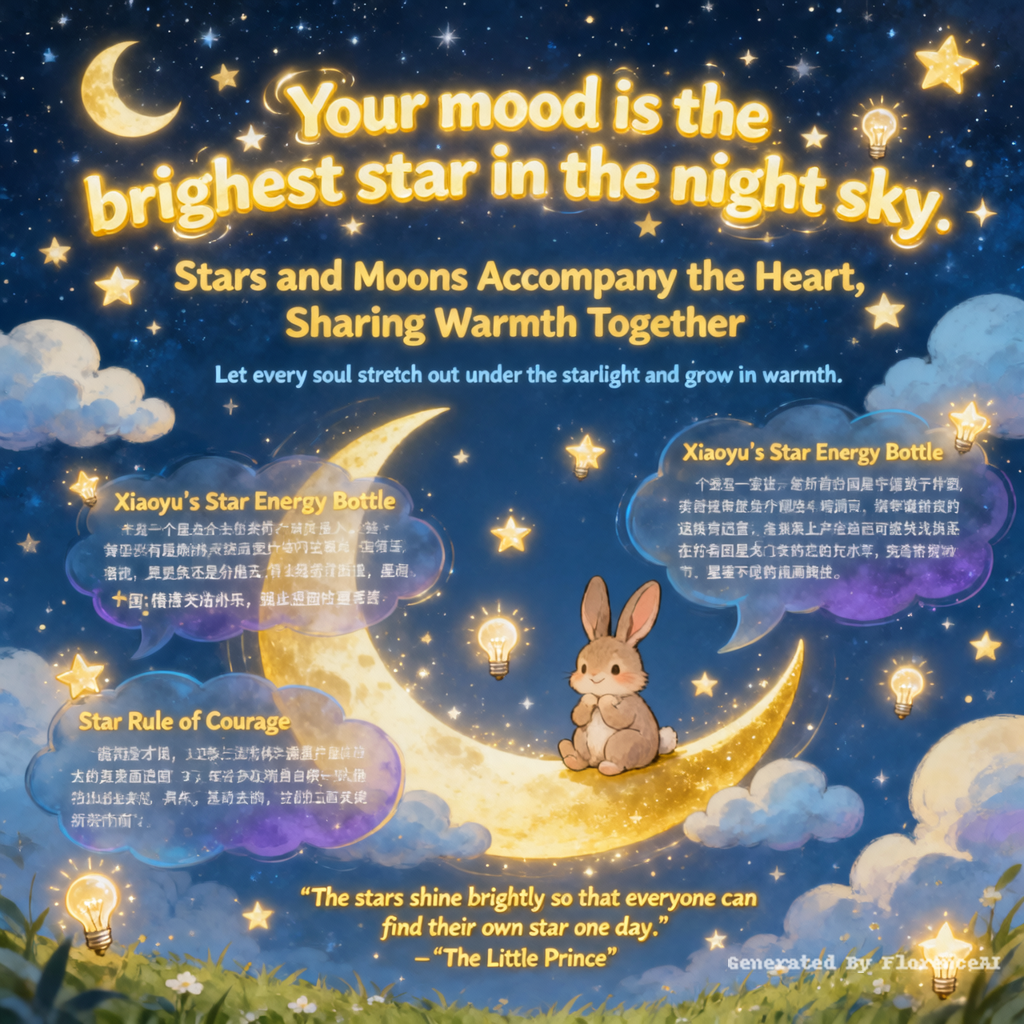
Help me create the complete content design for the poster.
Title
Stars and moons accompany the heart, sharing warmth together.
Subtitle
Let every soul stretch out under the starlight and grow in warmth.
Main slogan (prominent position at the top)
"Your mood is the brightest star in the night sky."
Psychological Story: Xiaoyu's "Star Energy Bottle"
Xiaoyu is a fourth-grade student. Recently, he transferred to a new class and felt lonely. He was too afraid to talk to his classmates and often sat alone in his seat during breaks. One day, the psychology teacher gave him a transparent glass bottle and a pack of colorful star stickers and said, "Every time you do something that makes you brave, such as greeting your classmates actively or raising your hand to answer questions, put a star in the bottle. When the bottle is full, you will find that you have gained a lot of courage." Xiaoyu began to try: On the first day, he smiled at his deskmate and put a yellow star in it; on the second day, he asked his classmate for an eraser and put a blue star in it... Gradually, the number of stars in the bottle increased, and he made new friends.
Insight: A little bit of courage, when accumulated, can illuminate the entire soul.
Psychological tip: The "Star Rule" of Courage
Courage is not "not being afraid", but "willing to try even when afraid". Just like the stars in the night sky, each one is small, but together they can illuminate the darkness. We can also collect "courage moments" in life like collecting stars: the first time raising your hand to speak, the first time taking the initiative to make friends, the first time trying something new... These "courage stars" will make us increasingly confident.
Emotional Regulation Tips
"Star Energy Bottle" Method: Prepare a bottle. Cut stars out of different colored paper. For each brave thing you do, put a star in the bottle. As the bottle fills up, feel your growth.
"Star Breathing Method": Close your eyes. Imagine yourself lying on the grass and looking at the stars. Breathe in slowly (imagine the stars entering your body), and breathe out slowly (imagine your troubles floating away with the exhalation). Repeat this 5 times.
"Star Diary": Before going to bed every day, write down 3 things that make you feel "shining brightly". For example, "My deskmate lent me the pencil today" "The teacher praised me for doing my homework carefully". Accumulate the small joys in life.
Psychological Quote
"The stars shine brightly so that everyone can find their own star one day." - "The Little Prince"
Concise and eye-catching sentences
Courage is not the absence of fear, but moving forward despite fear.
Each star is small, but together they can illuminate the night.
Your bravery is worthy of being seen.
Let your soul stretch out under the starlight and grow in warmth.
AI-generated poster keyword suggestions
Design an A3 vertical-format mental health information poster (3508x4961 pixels, 300 dpi)
Style
Dreamy, warm, therapeutic, cartoonish, soft colors, starry background, clouds, moon, stars, luminous elements
Main elements
A cute cartoon character (such as a little bear, a little rabbit, or a little elf) is sitting on a curved moon, smiling, with hands resting on the chin, looking very at ease.
Around the moon are clouds and stars. The stars can be designed as small light bulbs to add a sense of warmth.
The background is a deep blue starry sky, dotted with stars of different sizes, creating a peaceful atmosphere.
Typography
The title "Stars and Moons by Your Side, Warmth Together" is in large, round and smooth font, with a warm yellow color, placed in the center of the top of the poster, surrounded by small stars.
The subtitle is in a slightly smaller font, with a light blue color, placed below the title.
Contents such as psychological stories, psychological knowledge, and tips for emotional regulation are presented in dialog boxes or cloud-shaped bubble frames, with text in white or light yellow, and backgrounds in semi-transparent dark blue or purple, adding a sense of depth.
Psychological quotes are in artistic font, with a golden color, placed in the center of the bottom of the poster, surrounded by small stars.
Color combination
Main color: Dark blue (starry sky), warm yellow (moon, stars), light blue (clouds, text), gold (quotes, decorations).
Auxiliary colors: Light green (campus characteristic text), white (text, clouds).
Detail decorations
Add some small star, cloud, and moon patterns at the edges of the poster to enhance the dreamy atmosphere.
Add some glowing lines or small stars around the text box to highlight the key content.
Add some small grass and flower patterns at the bottom of the poster to increase the vitality.
Click to copy
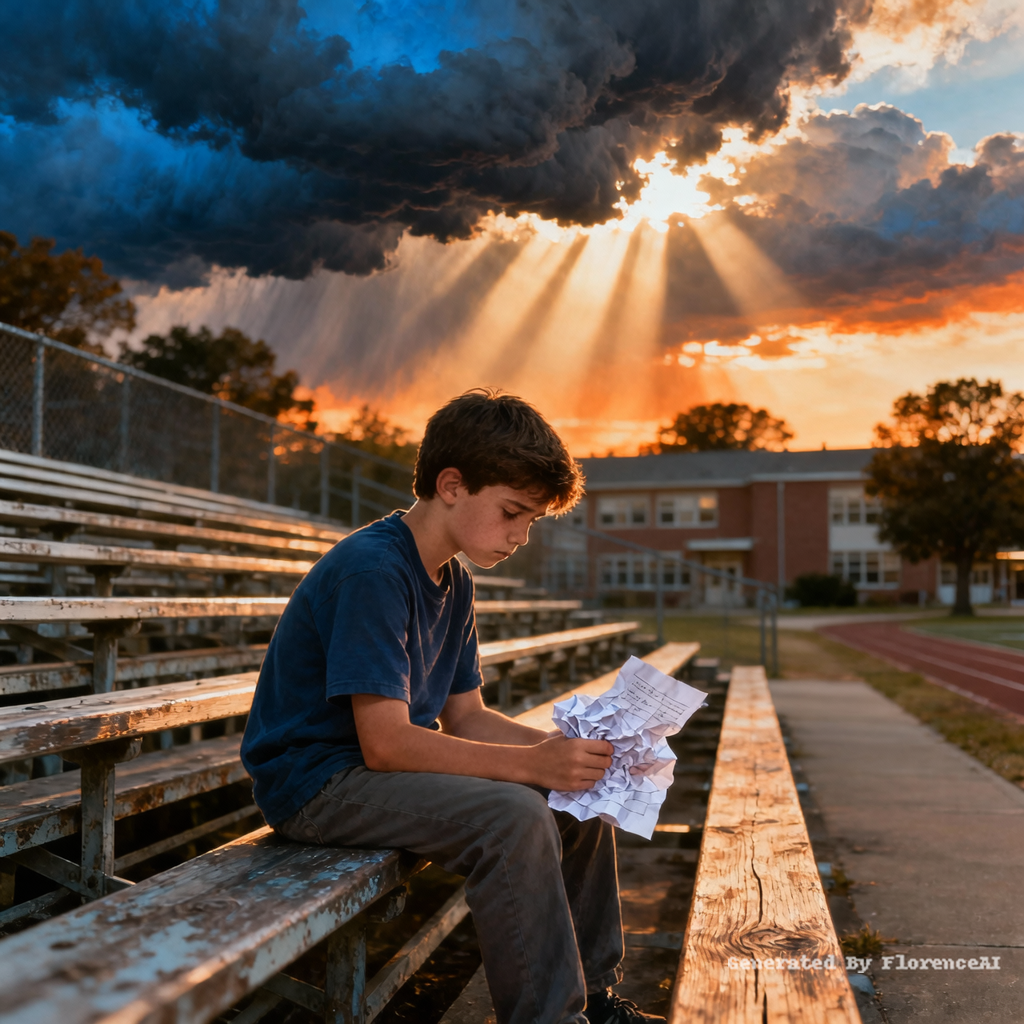
award-winning mental health poster, cinematic youth illustration, middle school student sitting on school bleachers holding exam paper, emotional atmosphere, sunset sky with dark clouds, sunlight through clouds, school campus in background, psychological growth theme, emotional healing, highly detailed, warm cinematic lighting, blue and orange tones, movie poster composition, inspirational mood
Click to copy
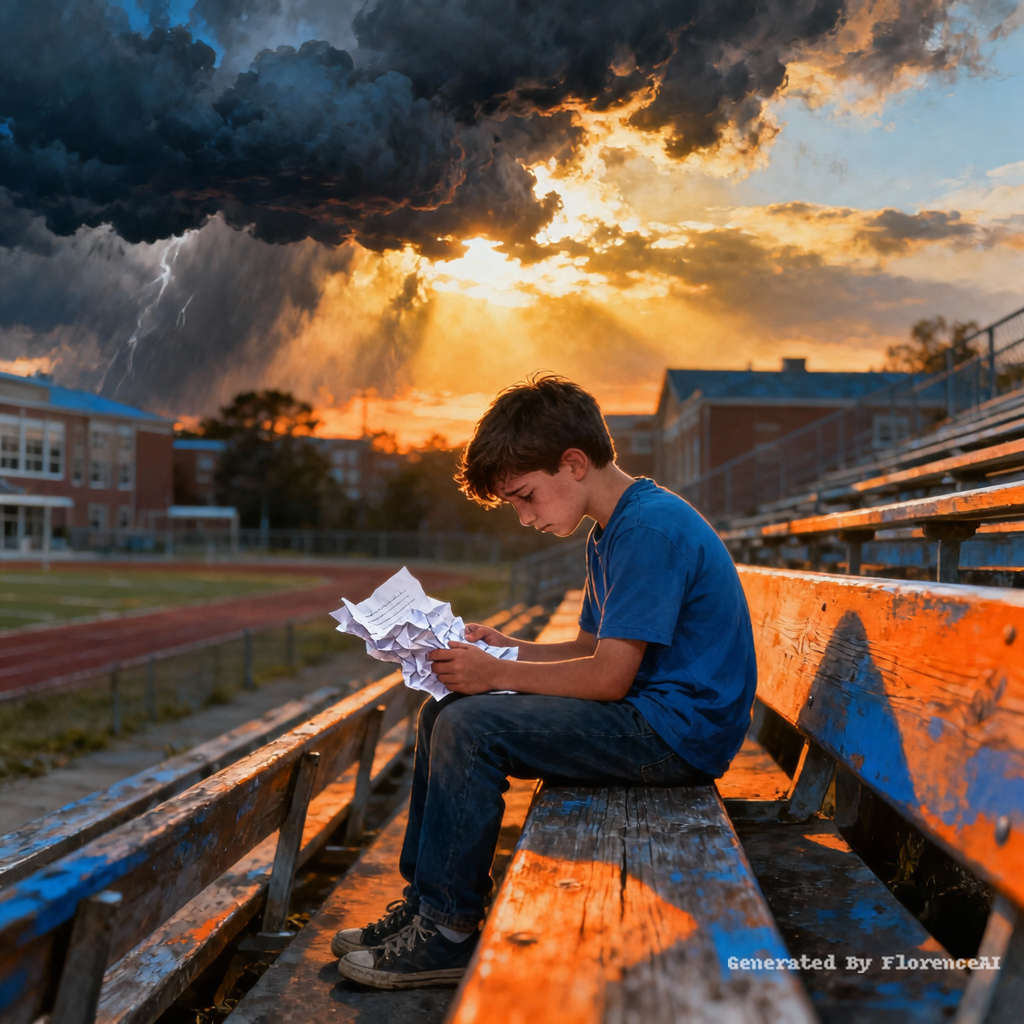
award-winning mental health poster, cinematic youth illustration, middle school student sitting on school bleachers holding exam paper, emotional atmosphere, sunset sky with dark clouds, sunlight through clouds, school campus in background, psychological growth theme, emotional healing, highly detailed, warm cinematic lighting, blue and orange tones, movie poster composition, inspirational mood
Click to copy
trump French kissing putin
Click to copy
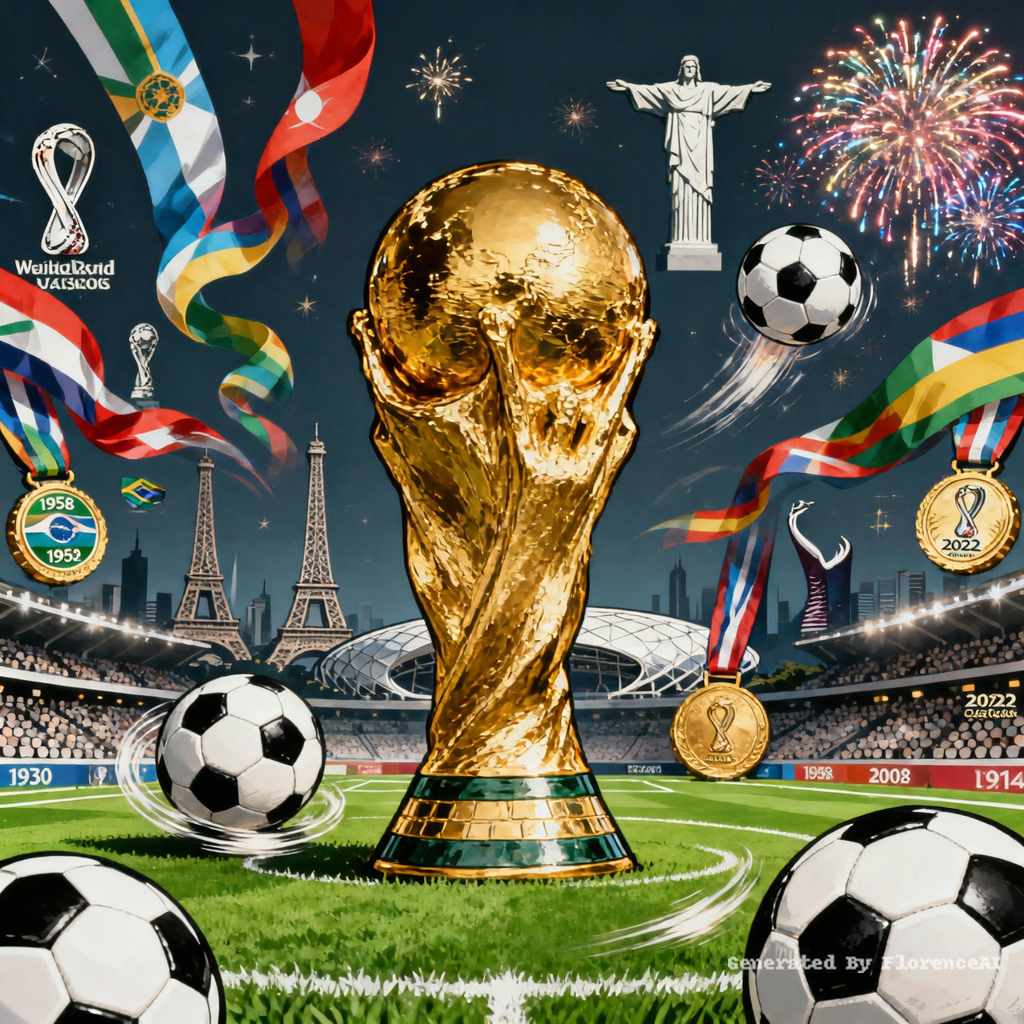
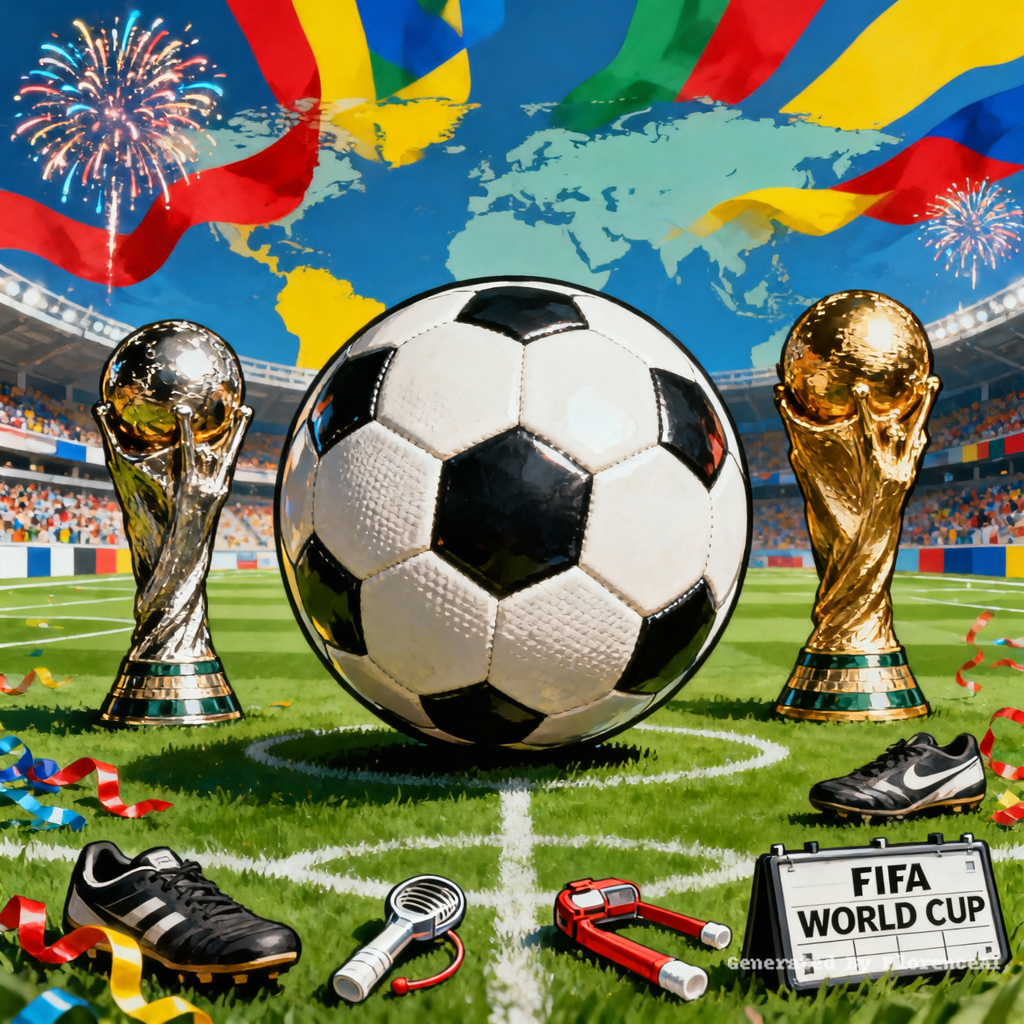
生成一张包括所有世界杯元素的印刷图,印刷图中不要出现真人,元素要高清
Click to copy
生成一张包括所有世界杯元素的印刷图,印刷图中不要出现真人,元素要高清
Click to copy
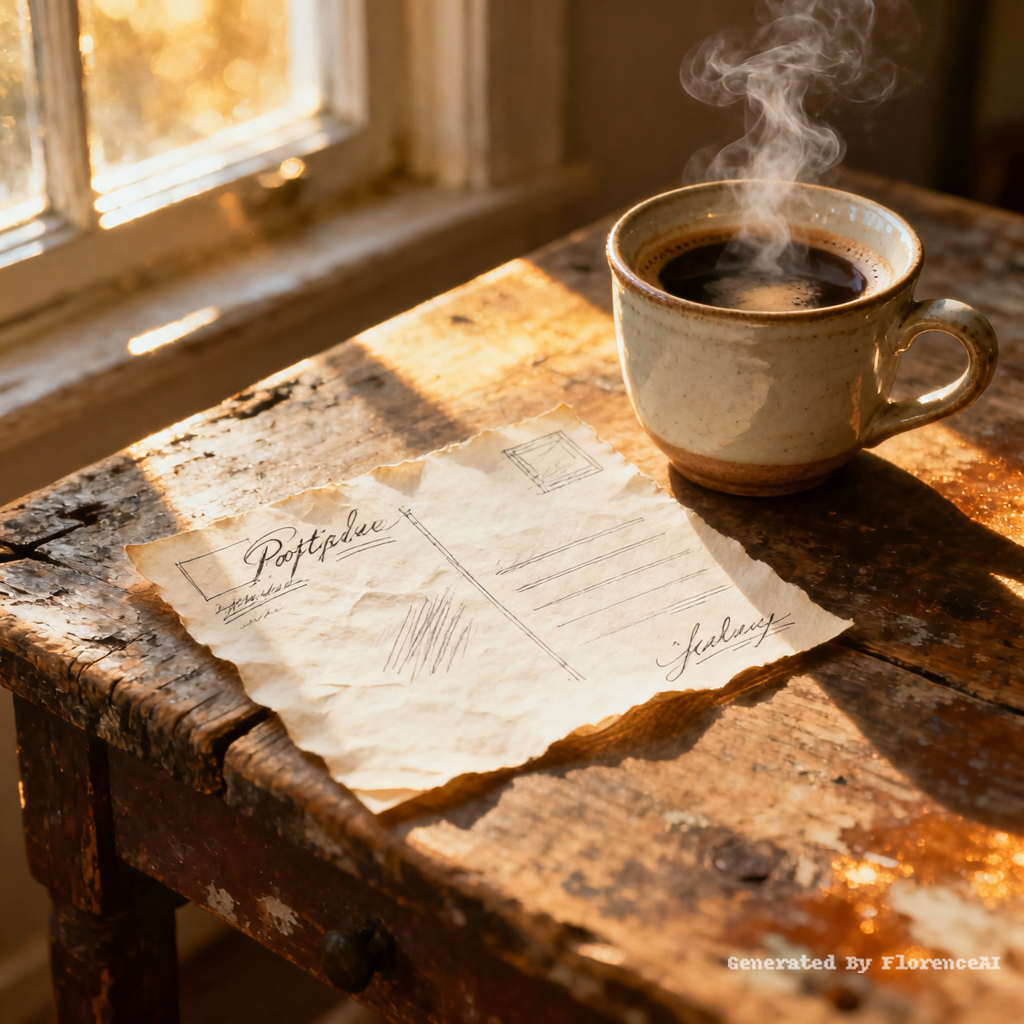
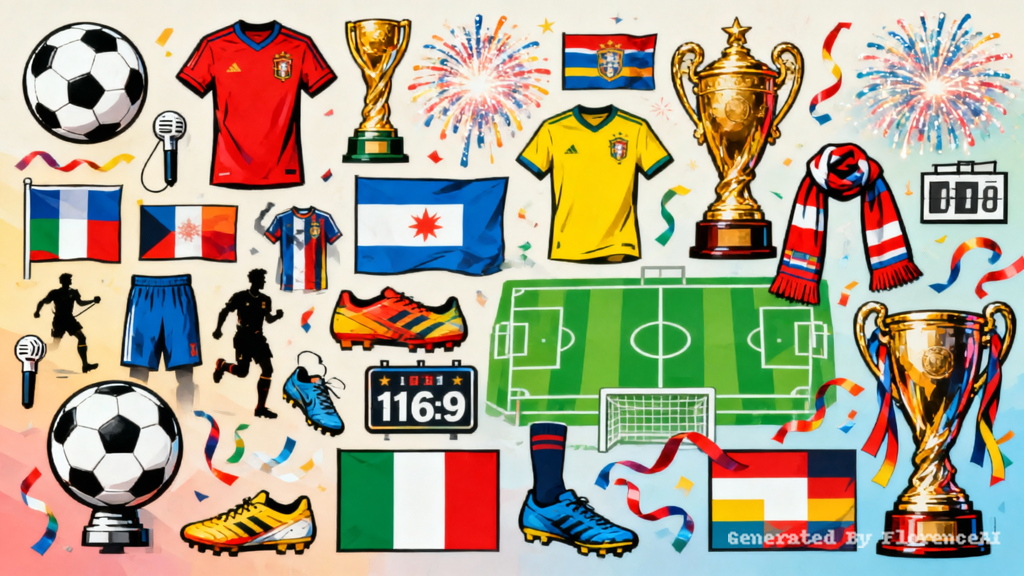
Top-down view of a hand-drawn postcard on a wooden desk, with a cup of coffee beside it, sunlight streaming in through the window. Realistic photography style, warm tones, bright lighting, high definition.
Click to copy
Top-down view of a hand-drawn postcard on a wooden desk, with a cup of coffee beside it, sunlight streaming in through the window. Realistic photography style, warm tones, bright lighting, high definition.
Click to copy
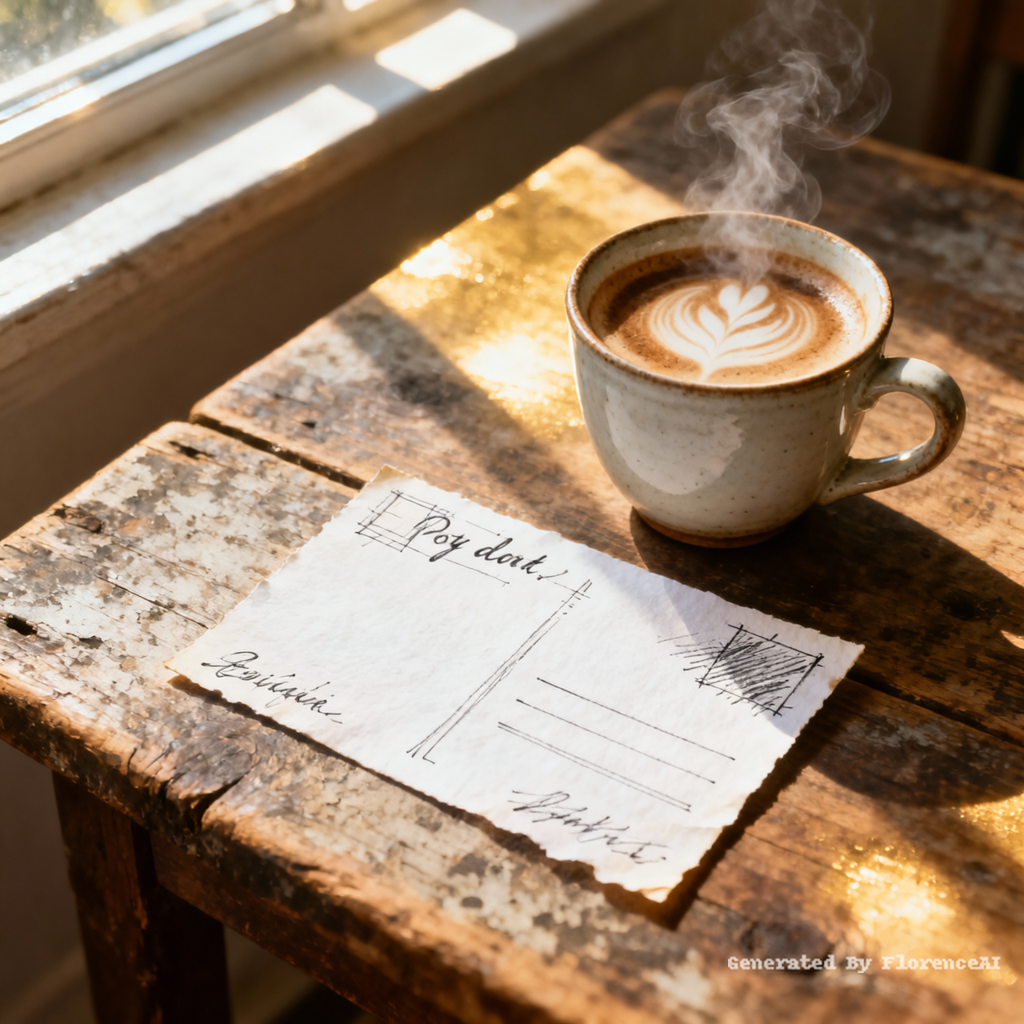
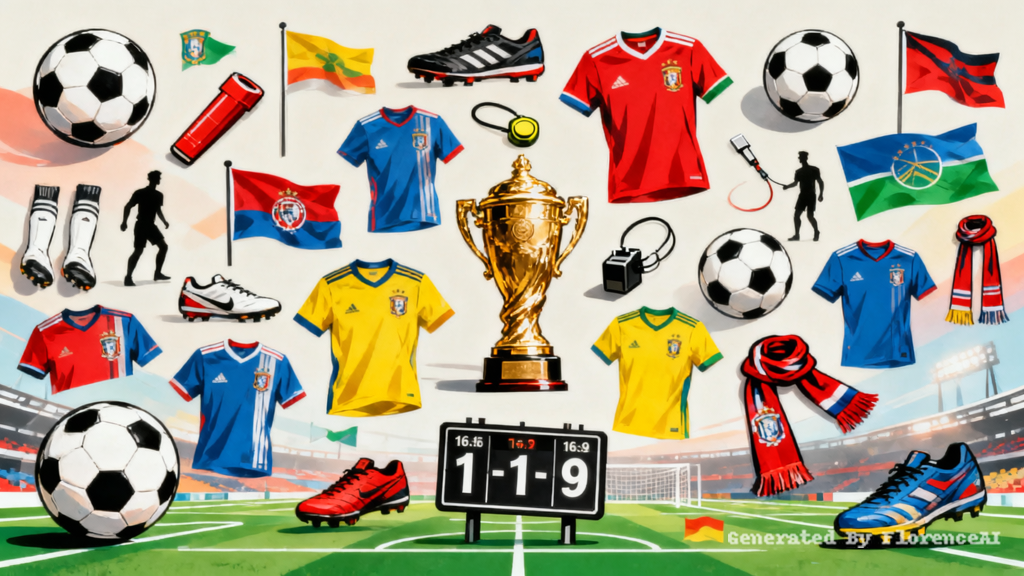
16:9 世界杯印刷插画,各类足球赛事元素大小不一随机散落,元素丰富多样,潮流印刷风,高清清晰,适合海报印刷,色彩明亮大气
Click to copy
16:9 世界杯印刷插画,各类足球赛事元素大小不一随机散落,元素丰富多样,潮流印刷风,高清清晰,适合海报印刷,色彩明亮大气
Click to copy
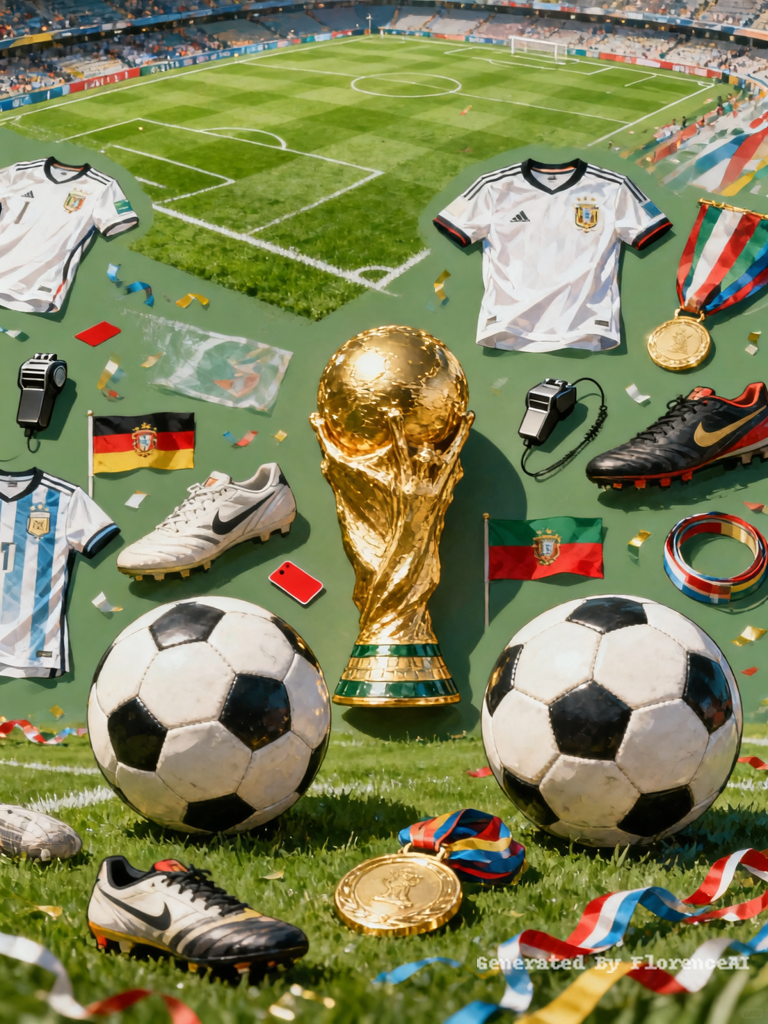
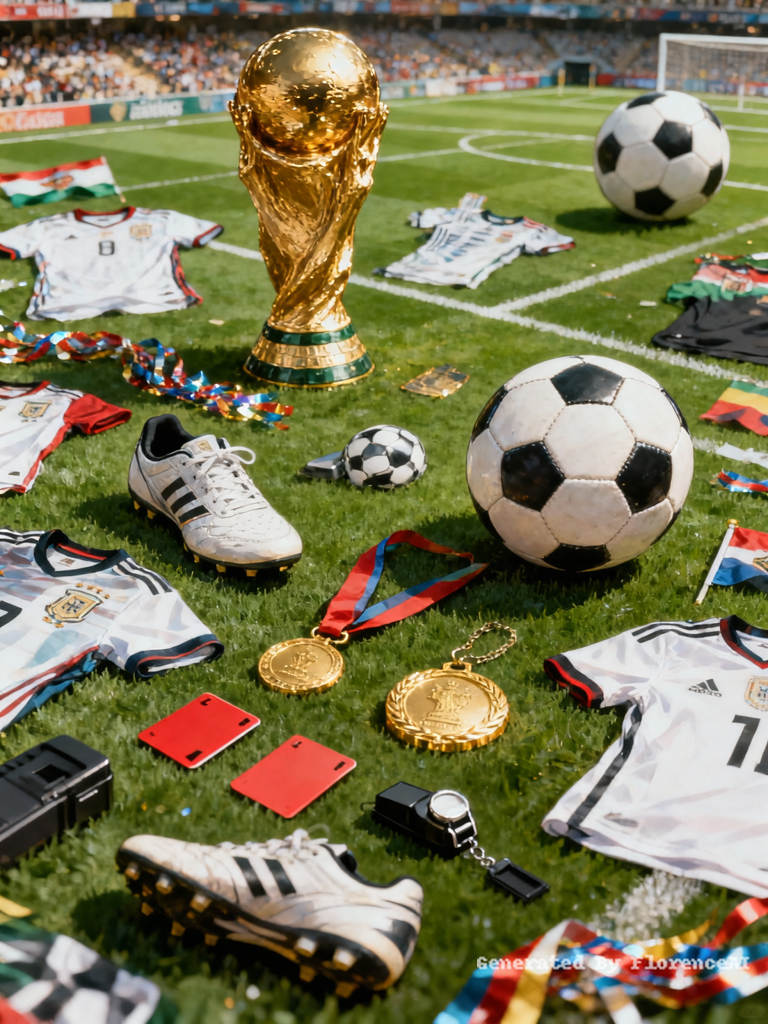
16:9 横版高清印刷图案,世界杯实景写实风格,拒绝夸张动漫卡通画风,海量足球赛事元素自由随机摆放,元素大小错落层次分明,大力神杯、专业足球、球场实景、足球球衣、球鞋、赛事旗帜、奖牌、裁判装备、赛场彩带、运动纹理等多元写实元素组合,写实质感强,色彩自然大气,平面印刷质感,简约大气商务印刷风,画面干净高级,无二次元卡通画风,细节真实自然
Click to copy
16:9 横版高清印刷图案,世界杯实景写实风格,拒绝夸张动漫卡通画风,海量足球赛事元素自由随机摆放,元素大小错落层次分明,大力神杯、专业足球、球场实景、足球球衣、球鞋、赛事旗帜、奖牌、裁判装备、赛场彩带、运动纹理等多元写实元素组合,写实质感强,色彩自然大气,平面印刷质感,简约大气商务印刷风,画面干净高级,无二次元卡通画风,细节真实自然
Click to copy
remove clothing
Click to copy
remove clothing
Click to copy
Female stick-figure peacefully sleeping at night after building emergency savings, soft lighting, calm atmosphere, emotional contrast to earlier scenes
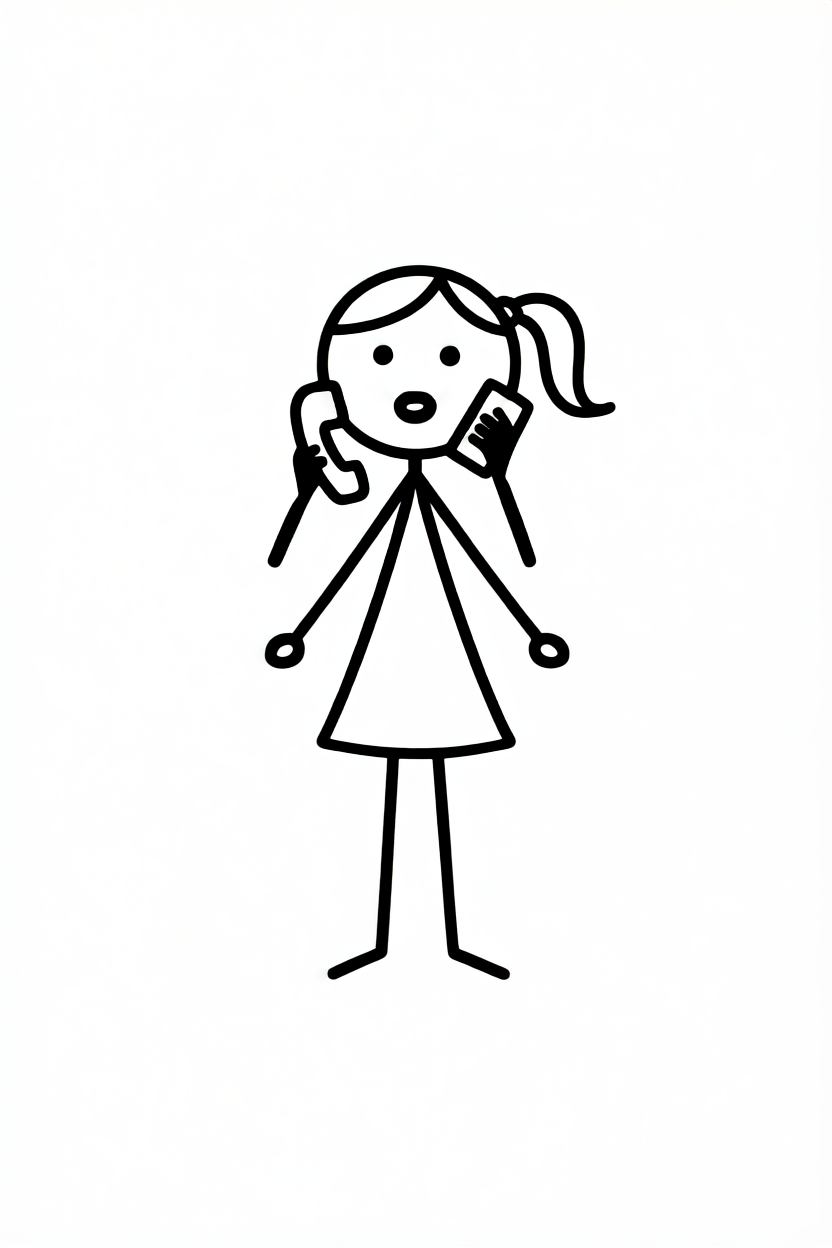
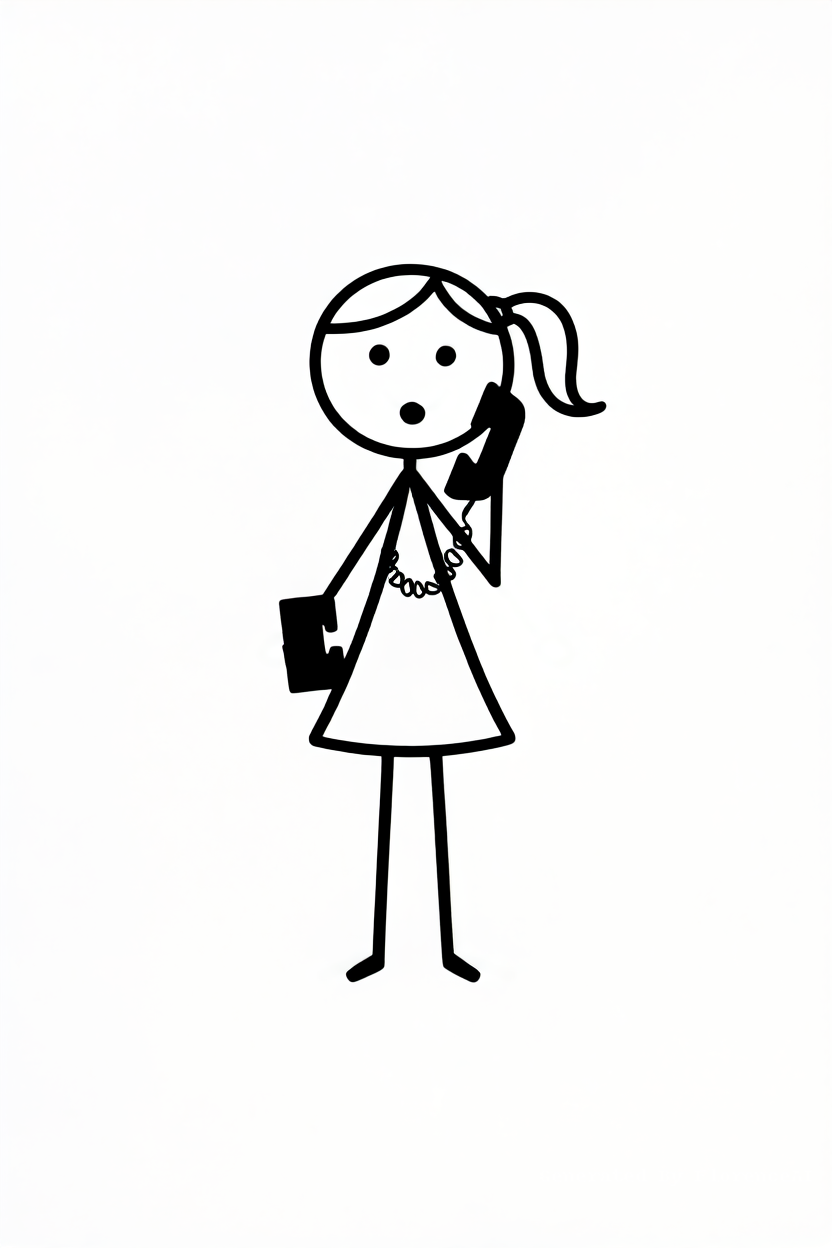
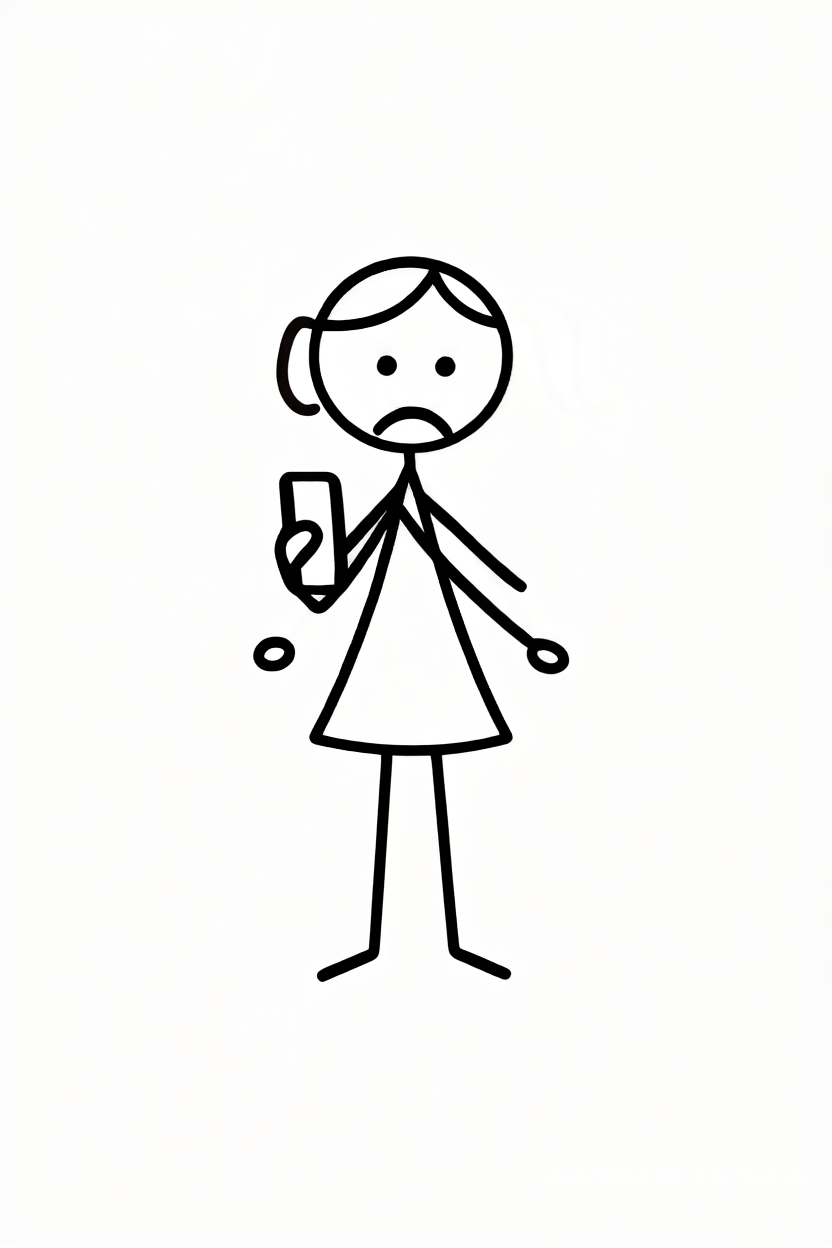
Female stick-figure answering unexpected phone call calmly instead of panicking, symbolic emotional growth, minimalist cinematic composition
Click to copy
Female stick-figure peacefully sleeping at night after building emergency savings, soft lighting, calm atmosphere, emotional contrast to earlier scenes
Female stick-figure answering unexpected phone call calmly instead of panicking, symbolic emotional growth, minimalist cinematic composition
Click to copy
Minimalist timeline scene showing female stick-figure transforming from stressed and fearful to calm and confident through savings habit
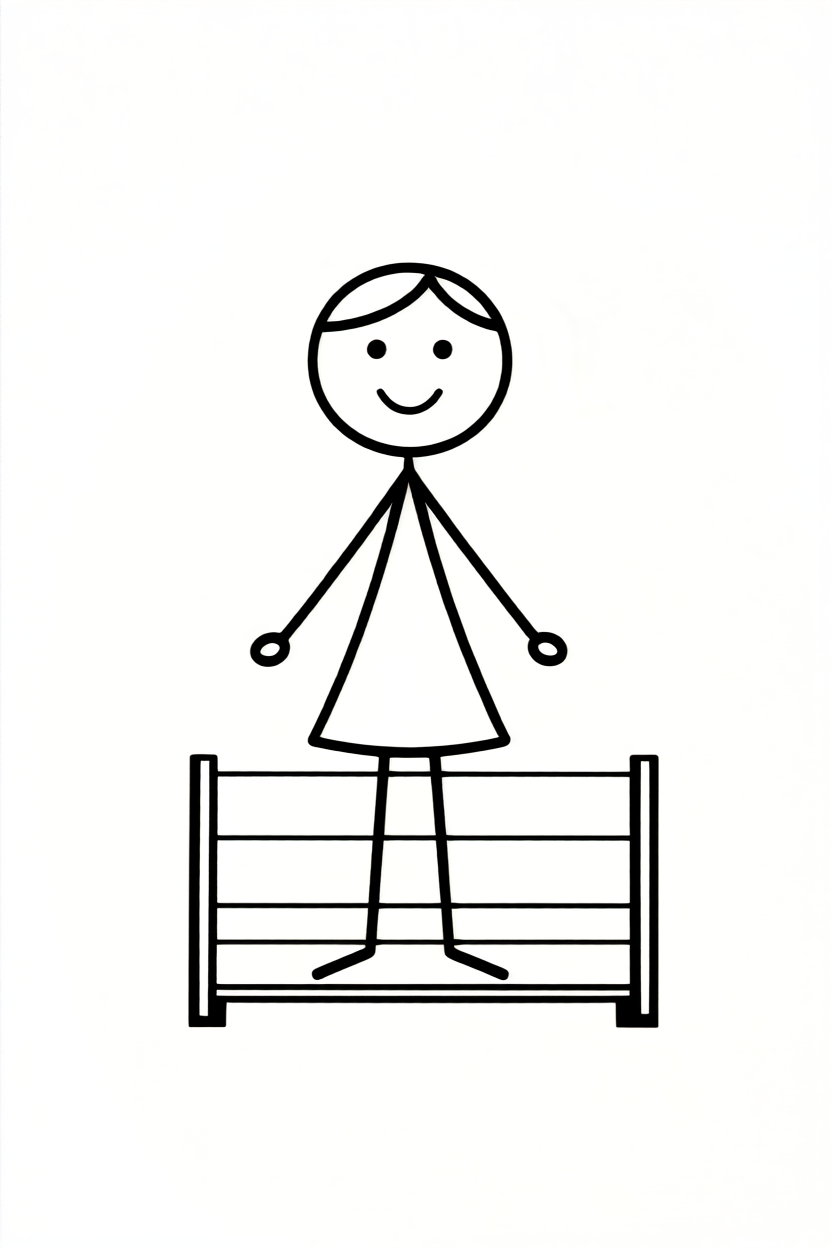
Female stick-figure standing in peaceful empty room with soft warm sunlight, relaxed posture, symbolizing financial peace and breathing room
Click to copy
Minimalist timeline scene showing female stick-figure transforming from stressed and fearful to calm and confident through savings habit
Female stick-figure standing in peaceful empty room with soft warm sunlight, relaxed posture, symbolizing financial peace and breathing room
Click to copy
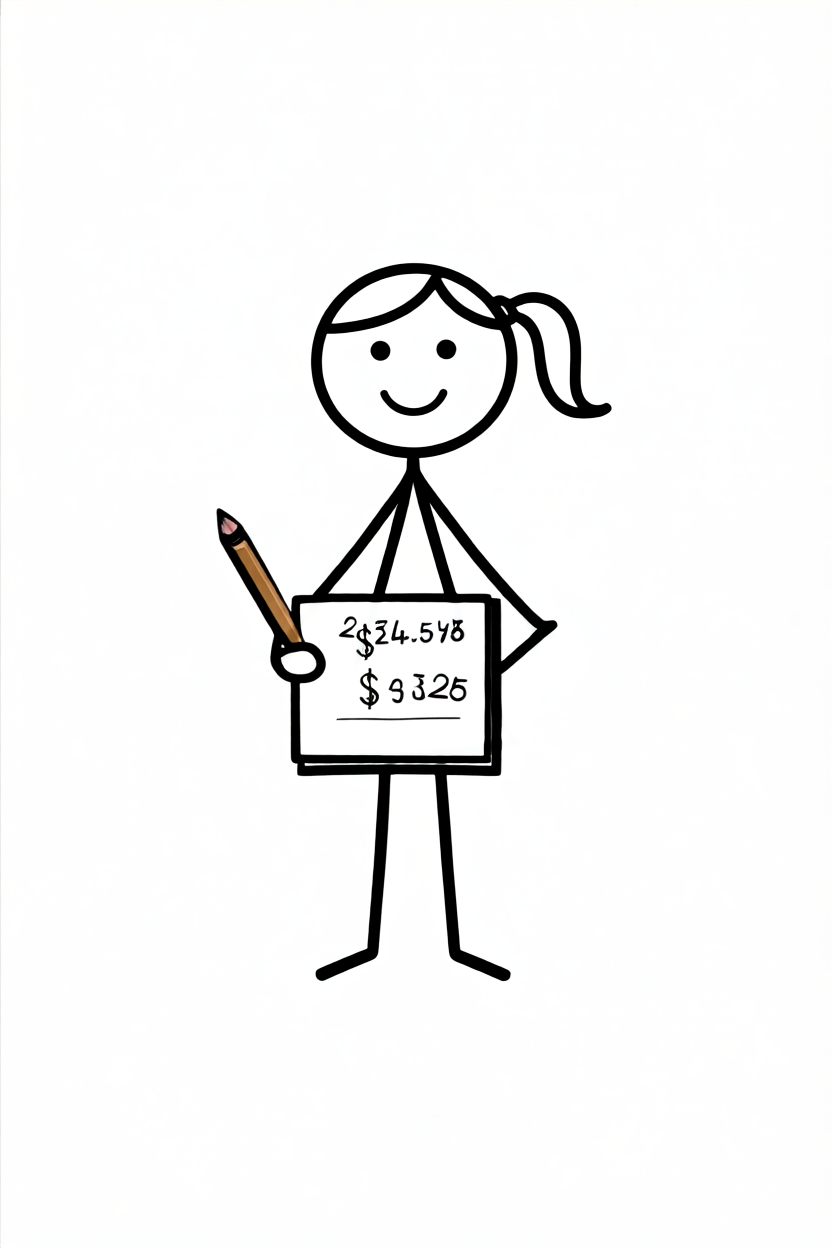
Female stick-figure writing budget numbers in notebook, focused expression, minimalist desk setup, warm lighting
Click to copy
Female stick-figure writing budget numbers in notebook, focused expression, minimalist desk setup, warm lighting
Click to copy
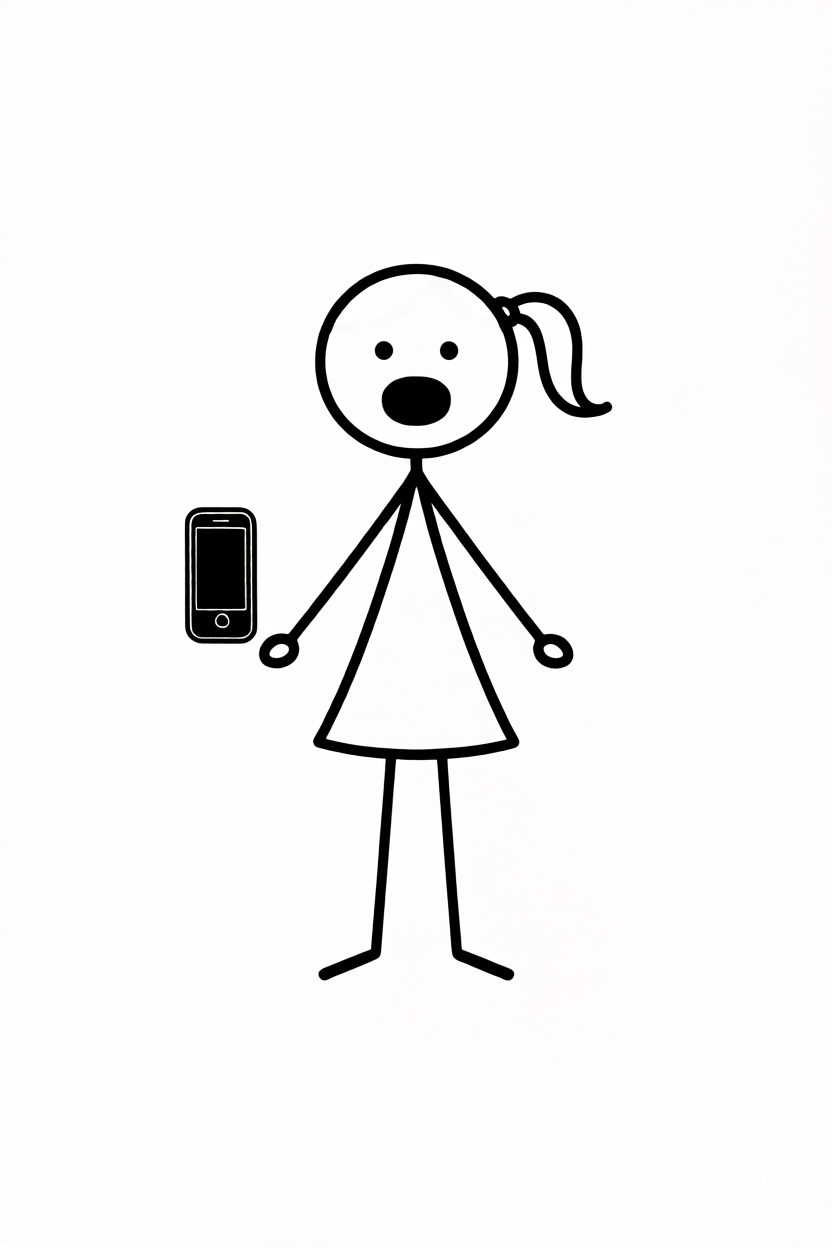
Female stick-figure sharing phone screen with another worried stick-figure friend, symbolic “share this with someone who needs it,” emotional minimalist scene
Click to copy
Female stick-figure sharing phone screen with another worried stick-figure friend, symbolic “share this with someone who needs it,” emotional minimalist scene
Click to copy
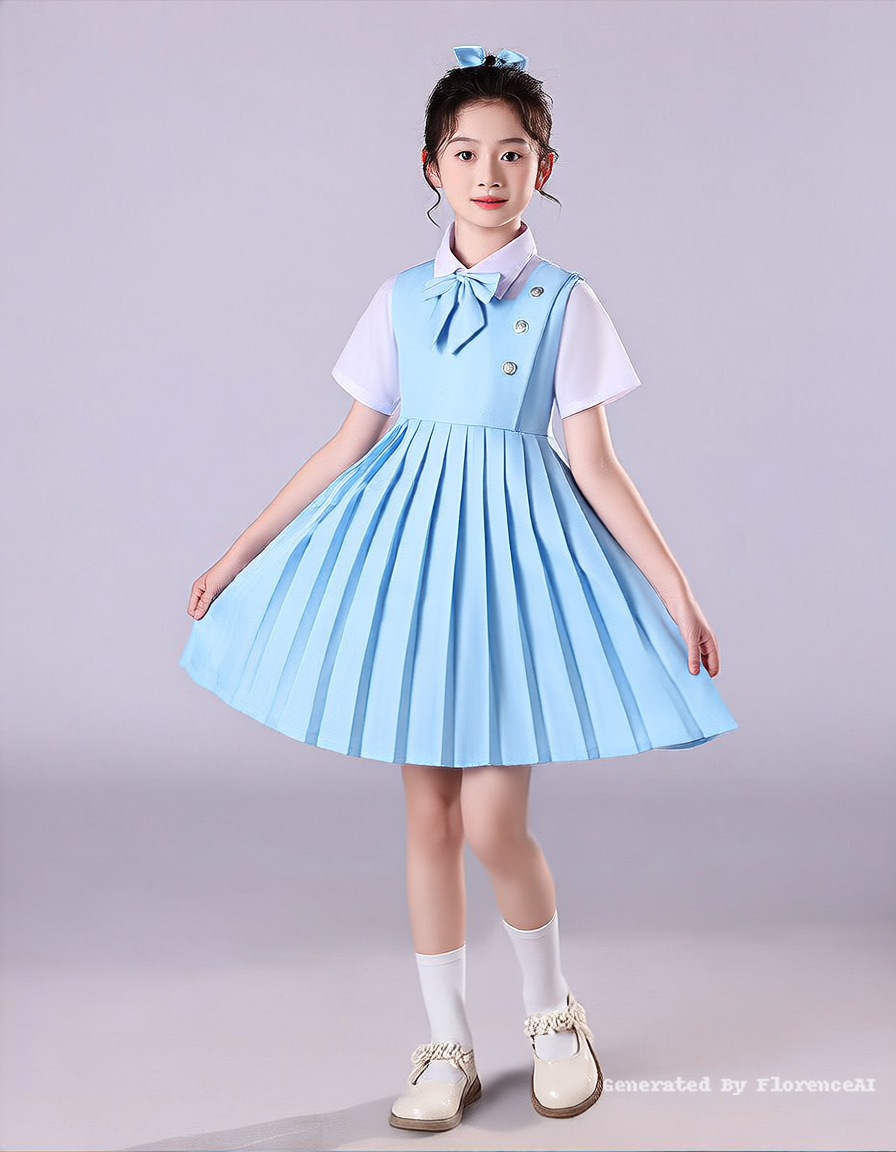
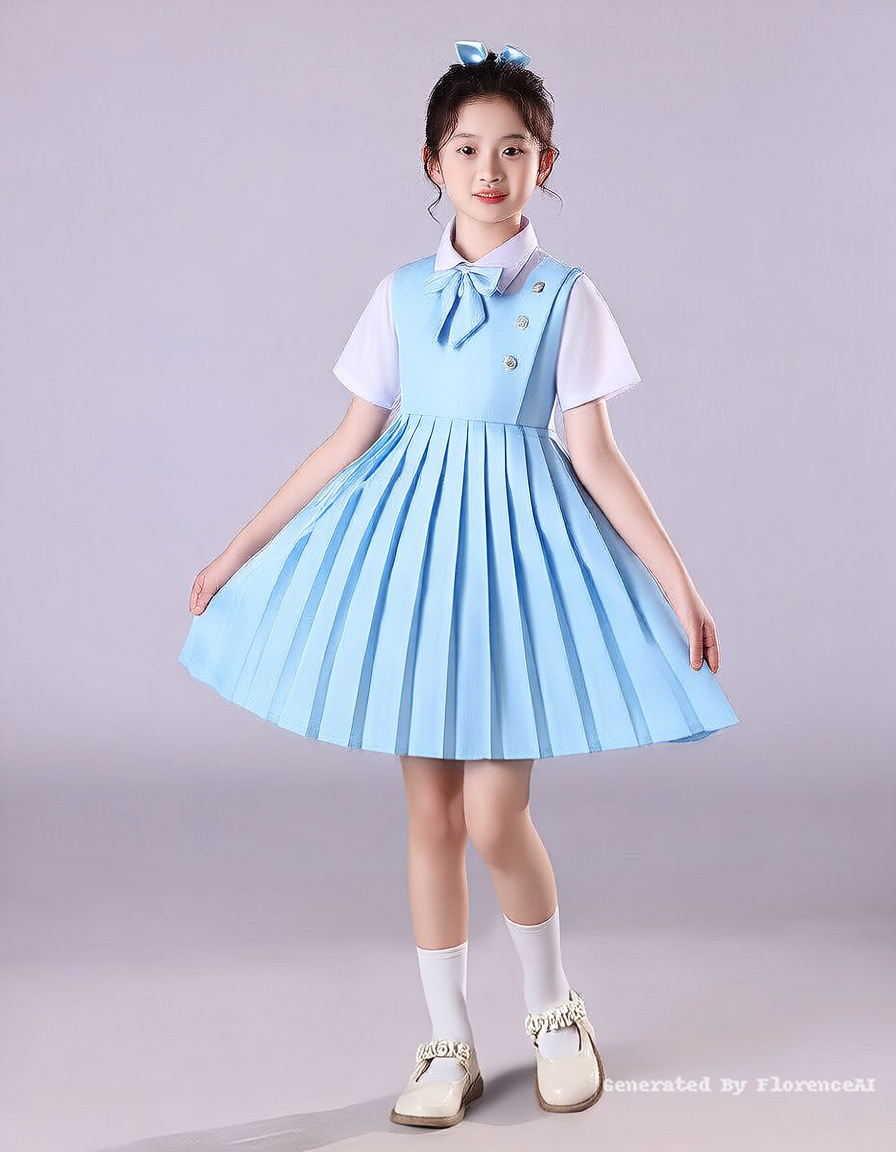
根据这两张图,生成一个较小规模的合唱团(如3-4排,20-30人)
Click to copy
根据这两张图,生成一个较小规模的合唱团(如3-4排,20-30人)
Click to copy
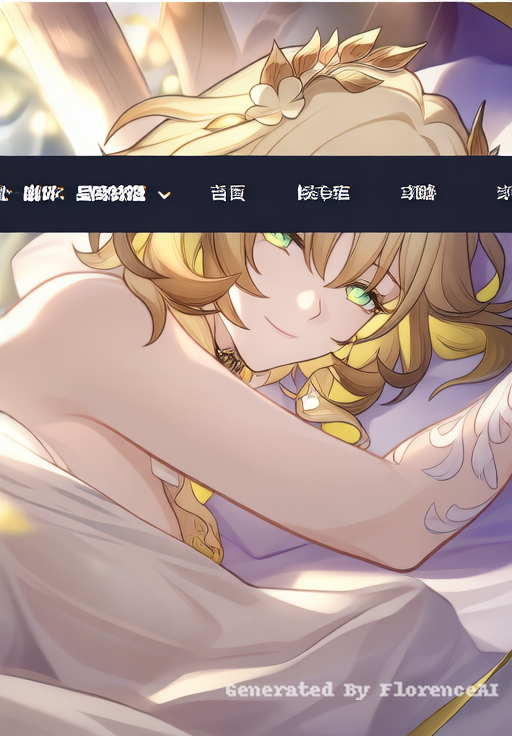
生成,anime,warm,sunlight,low-angle
Click to copy
生成,anime,warm,sunlight,low-angle
Click to copy
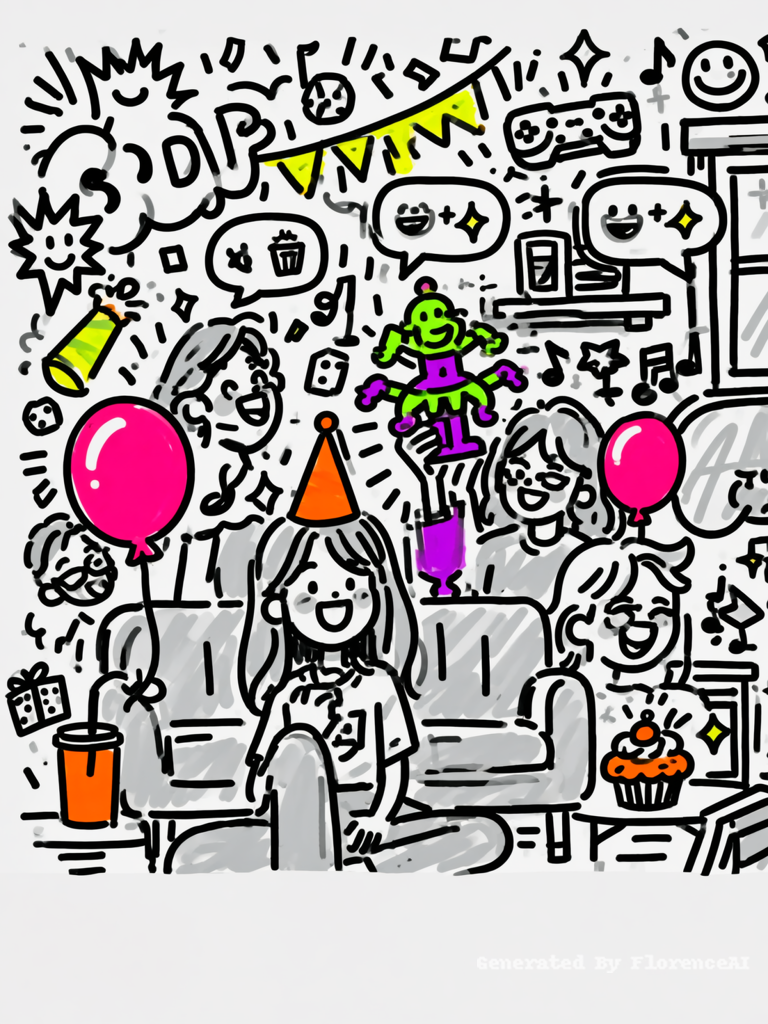
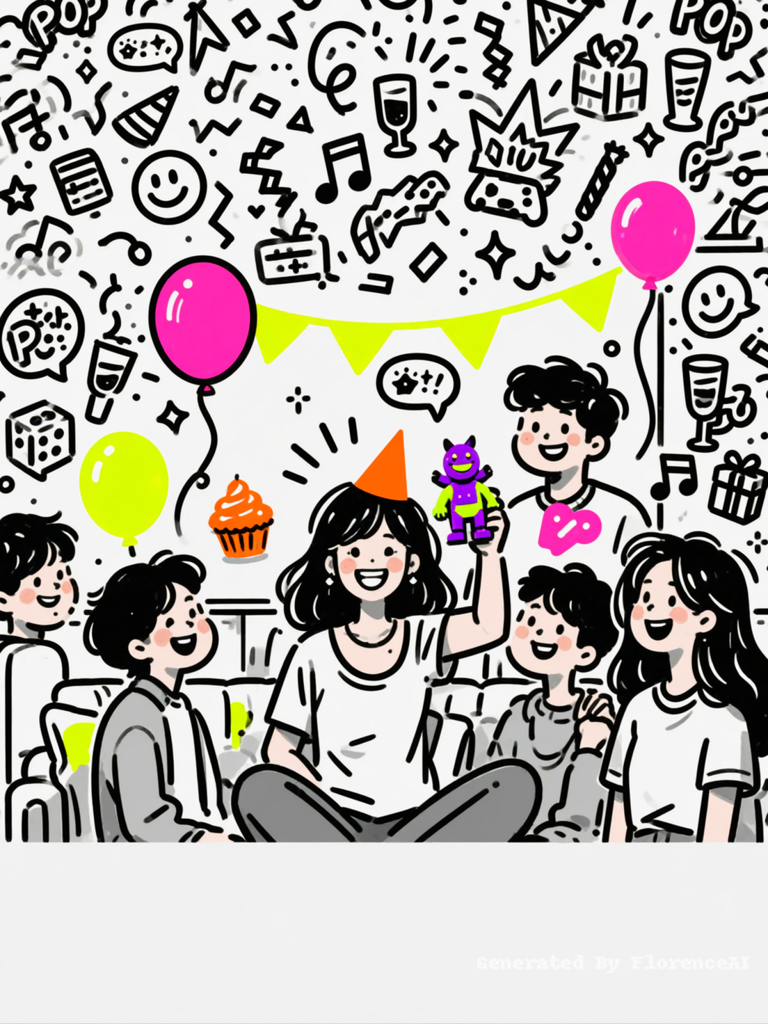
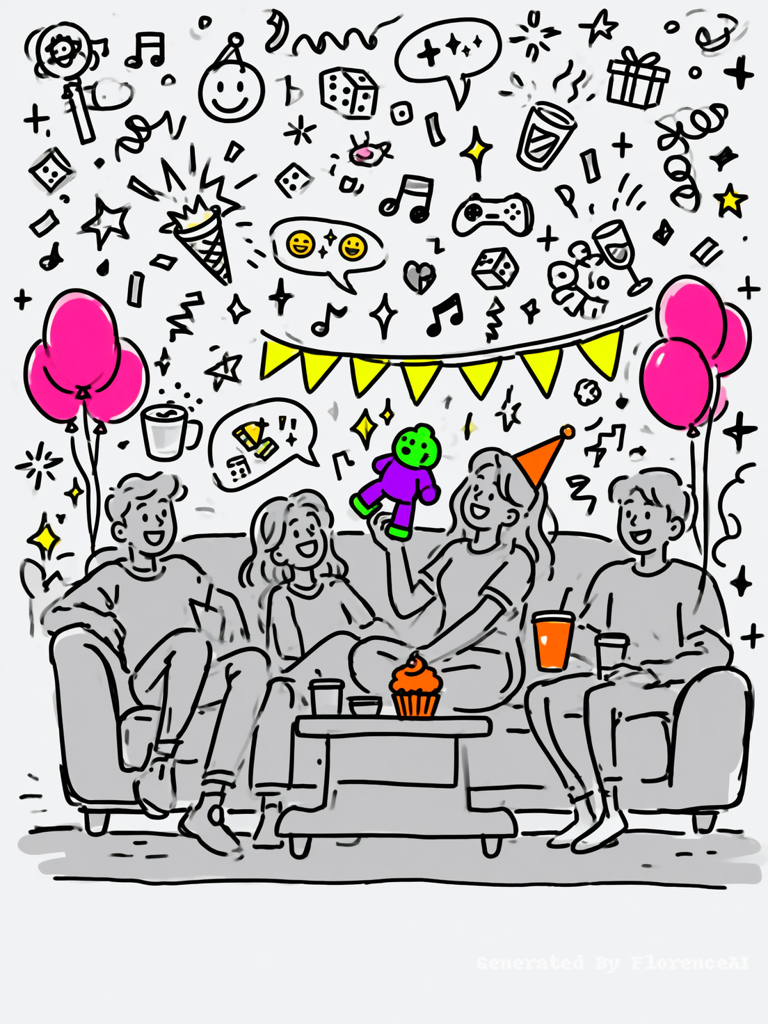
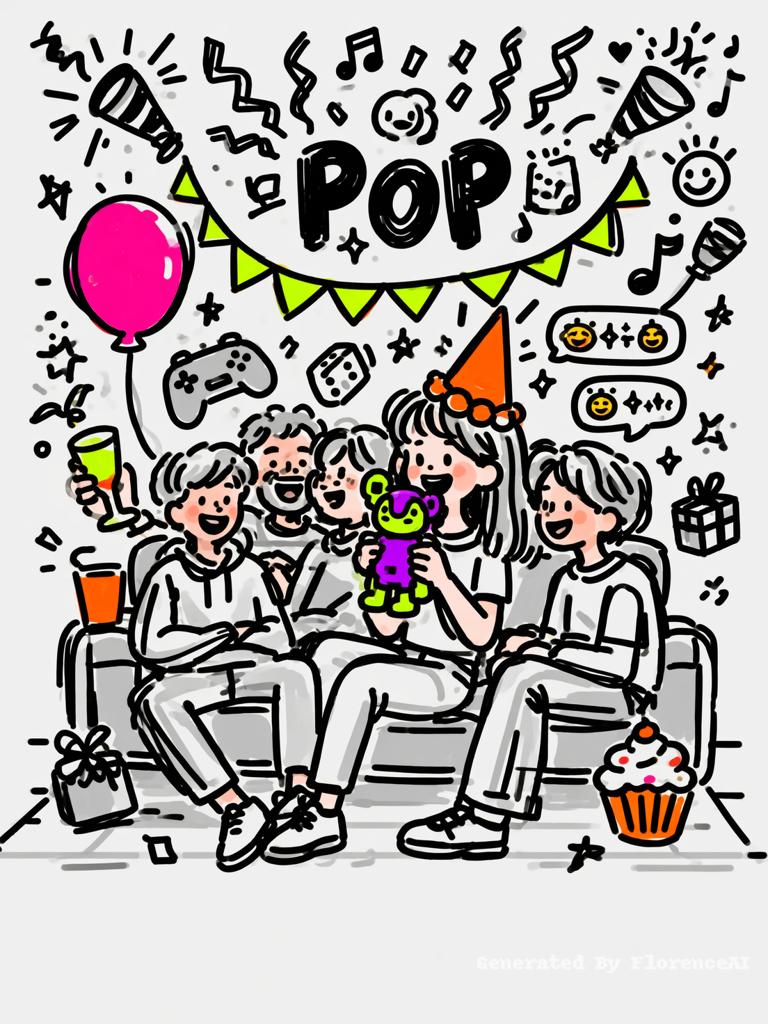
Hand-drawn doodle style, black ink pen on white background, sketchy loose lines. A group of young friends hanging out in a living room or dorm. One young woman (the focus) holds up a quirky figurine (fluorescent purple + electric green), while others laugh and smile. She wears a neon orange party hat, and there are fluorescent pink balloons, bright orange cupcake, neon yellow bunting on the wall. Expression: cheerful, laughing, bringing energy.
BACKGROUND: White or very light gray. DOODLES in SOLID BLACK, dense and playful, all PARTY-THEMED: balloons (some with strings), confetti streamers, party poppers (with zigzag explosion), music notes, smiley faces, speech bubbles with "🎉✨🥳" (emoji only), clinking glasses, dice, game controller, small gift box, stars, sparkles, "POP" in abstract shapes (no letters), dotted line indicating movement. NO English words.
Woman and friends: rendered in light gray sketchy lines, natural hair colors, warm skin tones, clothes in grayscale. Only the products are vibrant: figurine (fluorescent purple+electric green), party hat (neon orange), balloons (fluorescent pink), cupcake (bright orange), bunting (neon yellow).
COMPOSITION: Bottom 8% completely empty (white/light gray) for slogan.
Flat vector, no shading, hand-drawn.
Click to copy
Hand-drawn doodle style, black ink pen on white background, sketchy loose lines. A group of young friends hanging out in a living room or dorm. One young woman (the focus) holds up a quirky figurine (fluorescent purple + electric green), while others laugh and smile. She wears a neon orange party hat, and there are fluorescent pink balloons, bright orange cupcake, neon yellow bunting on the wall. Expression: cheerful, laughing, bringing energy.
BACKGROUND: White or very light gray. DOODLES in SOLID BLACK, dense and playful, all PARTY-THEMED: balloons (some with strings), confetti streamers, party poppers (with zigzag explosion), music notes, smiley faces, speech bubbles with "🎉✨🥳" (emoji only), clinking glasses, dice, game controller, small gift box, stars, sparkles, "POP" in abstract shapes (no letters), dotted line indicating movement. NO English words.
Woman and friends: rendered in light gray sketchy lines, natural hair colors, warm skin tones, clothes in grayscale. Only the products are vibrant: figurine (fluorescent purple+electric green), party hat (neon orange), balloons (fluorescent pink), cupcake (bright orange), bunting (neon yellow).
COMPOSITION: Bottom 8% completely empty (white/light gray) for slogan.
Flat vector, no shading, hand-drawn.
Click to copy
Hand-drawn doodle style, black ink pen on white background, sketchy loose lines. A group of young friends hanging out in a living room or dorm. One young woman (the focus) holds up a quirky figurine (fluorescent purple + electric green), while others laugh and smile. She wears a neon orange party hat, and there are fluorescent pink balloons, bright orange cupcake, neon yellow bunting on the wall. Expression: cheerful, laughing, bringing energy.
BACKGROUND: White or very light gray. DOODLES in SOLID BLACK, dense and playful, all PARTY-THEMED: balloons (some with strings), confetti streamers, party poppers (with zigzag explosion), music notes, smiley faces, speech bubbles with "🎉✨🥳" (emoji only), clinking glasses, dice, game controller, small gift box, stars, sparkles, "POP" in abstract shapes (no letters), dotted line indicating movement. NO English words.
Woman and friends: rendered in light gray sketchy lines, natural hair colors, warm skin tones, clothes in grayscale. Only the products are vibrant: figurine (fluorescent purple+electric green), party hat (neon orange), balloons (fluorescent pink), cupcake (bright orange), bunting (neon yellow).
COMPOSITION: Bottom 8% completely empty (white/light gray) for slogan.
Flat vector, no shading, hand-drawn.
Click to copy
Hand-drawn doodle style, black ink pen on white background, sketchy loose lines. A group of young friends hanging out in a living room or dorm. One young woman (the focus) holds up a quirky figurine (fluorescent purple + electric green), while others laugh and smile. She wears a neon orange party hat, and there are fluorescent pink balloons, bright orange cupcake, neon yellow bunting on the wall. Expression: cheerful, laughing, bringing energy.
BACKGROUND: White or very light gray. DOODLES in SOLID BLACK, dense and playful, all PARTY-THEMED: balloons (some with strings), confetti streamers, party poppers (with zigzag explosion), music notes, smiley faces, speech bubbles with "🎉✨🥳" (emoji only), clinking glasses, dice, game controller, small gift box, stars, sparkles, "POP" in abstract shapes (no letters), dotted line indicating movement. NO English words.
Woman and friends: rendered in light gray sketchy lines, natural hair colors, warm skin tones, clothes in grayscale. Only the products are vibrant: figurine (fluorescent purple+electric green), party hat (neon orange), balloons (fluorescent pink), cupcake (bright orange), bunting (neon yellow).
COMPOSITION: Bottom 8% completely empty (white/light gray) for slogan.
Flat vector, no shading, hand-drawn.
Click to copy
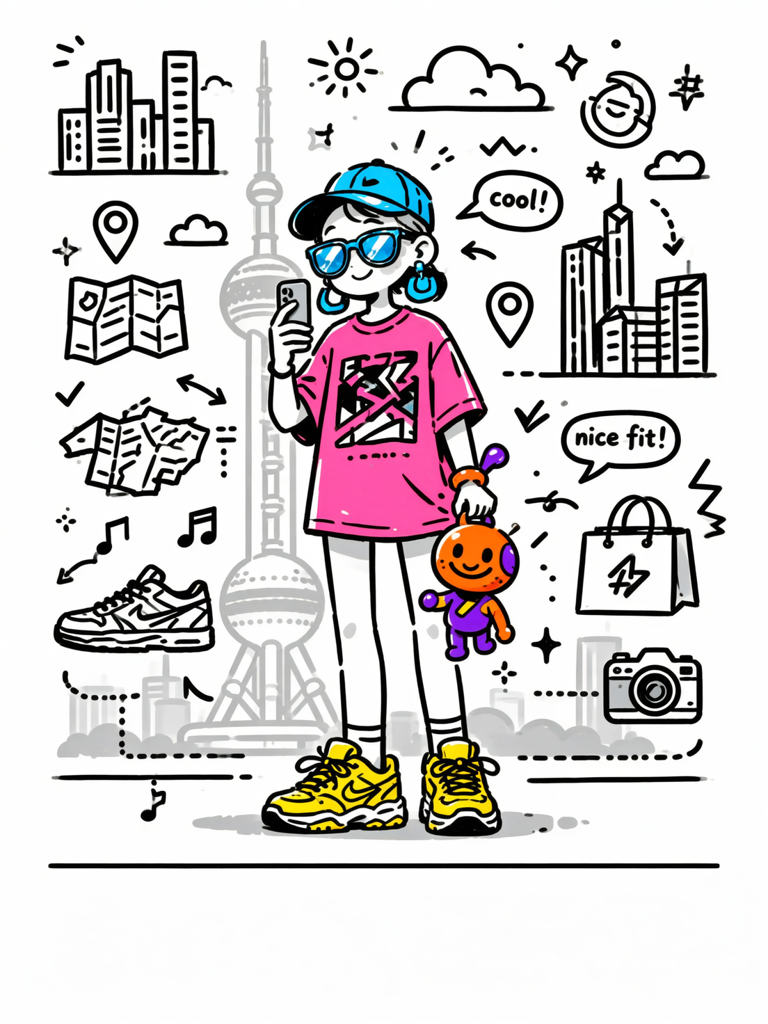
Black ink hand-drawn doodle on white background. Trendy Gen Z woman standing outdoors with Oriental Pearl Tower in background (tower in light gray sketch, not full detail). She wears a stylish outfit: oversized graphic tee, cargo pants, chunky sneakers, cap, statement earrings, colorful sunglasses. One hand holds phone taking a selfie, other hand holds a quirky figurine (fluorescent orange + purple). Beside her feet, empty floor space. Expression: relaxed, happy, eyes bright.
Background white. Doodles solid black, STREET/URBAN-THEMED: skyscrapers and city silhouettes (simple), clouds, sun rays, arrows pointing to outfit details, small location pins, map fragments, sneaker doodles, shopping bag icon, speech bubbles with "cool!" "nice fit!" (minimal), stars, sparkles, checkmarks, hashtag symbol (#), dotted paths, zigzag excitement lines, small camera, musical note (street performer vibe). NO random English words except minimal "cool/nice".
Woman in light gray sketchy lines (hair and clothes grayscale). ONLY products in bright colors: figurine (fluorescent orange + purple), outfit items (neon pink top, electric blue accessories, bright yellow sneakers), sunglasses lenses (electric blue reflection). Thermos none.
BOTTOM 8% COMPLETELY EMPTY (white, no doodles, no text) for slogan. Flat, no shading.
Click to copy
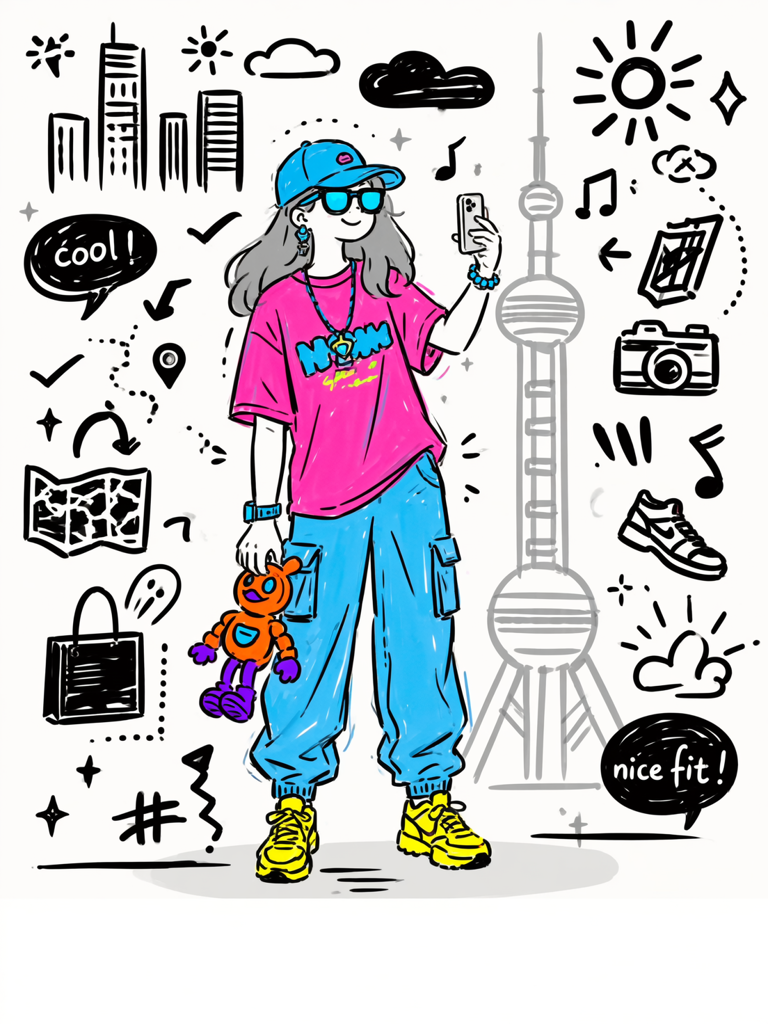
Black ink hand-drawn doodle on white background. Trendy Gen Z woman standing outdoors with Oriental Pearl Tower in background (tower in light gray sketch, not full detail). She wears a stylish outfit: oversized graphic tee, cargo pants, chunky sneakers, cap, statement earrings, colorful sunglasses. One hand holds phone taking a selfie, other hand holds a quirky figurine (fluorescent orange + purple). Beside her feet, empty floor space. Expression: relaxed, happy, eyes bright.
Background white. Doodles solid black, STREET/URBAN-THEMED: skyscrapers and city silhouettes (simple), clouds, sun rays, arrows pointing to outfit details, small location pins, map fragments, sneaker doodles, shopping bag icon, speech bubbles with "cool!" "nice fit!" (minimal), stars, sparkles, checkmarks, hashtag symbol (#), dotted paths, zigzag excitement lines, small camera, musical note (street performer vibe). NO random English words except minimal "cool/nice".
Woman in light gray sketchy lines (hair and clothes grayscale). ONLY products in bright colors: figurine (fluorescent orange + purple), outfit items (neon pink top, electric blue accessories, bright yellow sneakers), sunglasses lenses (electric blue reflection). Thermos none.
BOTTOM 8% COMPLETELY EMPTY (white, no doodles, no text) for slogan. Flat, no shading.
Click to copy
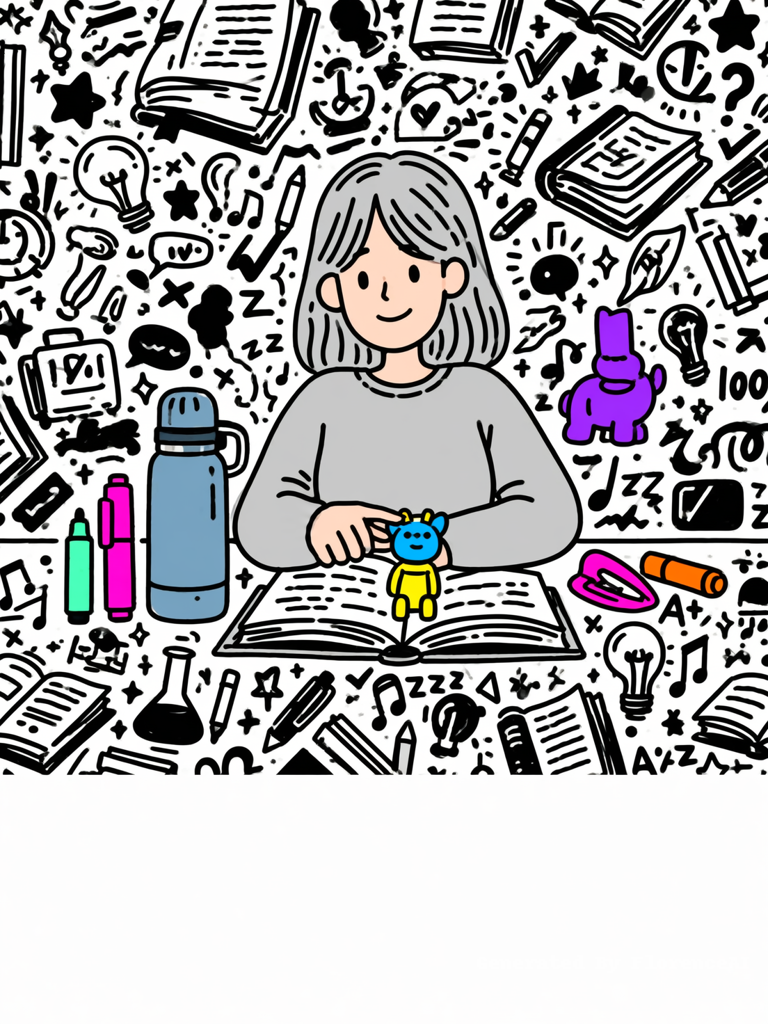
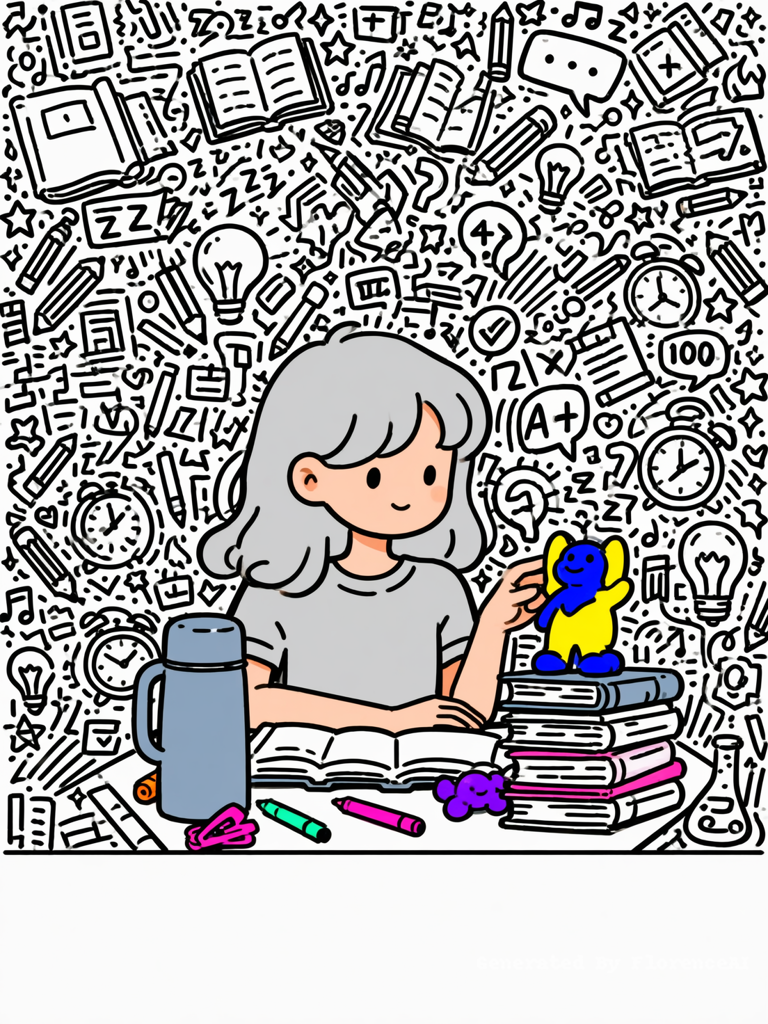
Black ink hand-drawn doodle on white background, extremely dense chaotic background. A young Gen Z woman studying at a desk, books open. Bright yellow+electric blue figurine on textbook. Her hand touching figurine. On desk: dusty blue thermos, fluorescent pink/mint green/orange markers, bright purple toy, neon pink hair clip. Expression: tired but soft smile.
BACKGROUND: Entire space (except bottom 8%) filled with SOLID BLACK DOODLES (study-themed: books, pencils, light bulbs, alarm clocks, question marks, checkmarks, math symbols, flask, music notes, speech bubbles, stars, sparkles, zzz, A+, 100%). No empty white areas. Dense, overlapping, varied sizes.
CHARACTER: Drawn with CLEAN BLACK FINE PEN LINES (not pencil). Line weight is thin and consistent, slightly irregular but not grainy. No shading, no hatching on the figure. The woman's hair and clothes are rendered in LIGHT GRAY (solid gray, not black lines). Her skin has a soft warm peach tint (not grayscale).
Only products are vibrant colors (figurine, markers, toy, hair clip). Thermos is muted dusty blue.
BOTTOM 8% COMPLETELY EMPTY (white, no doodles, no text). Flat, no shading.
Click to copy
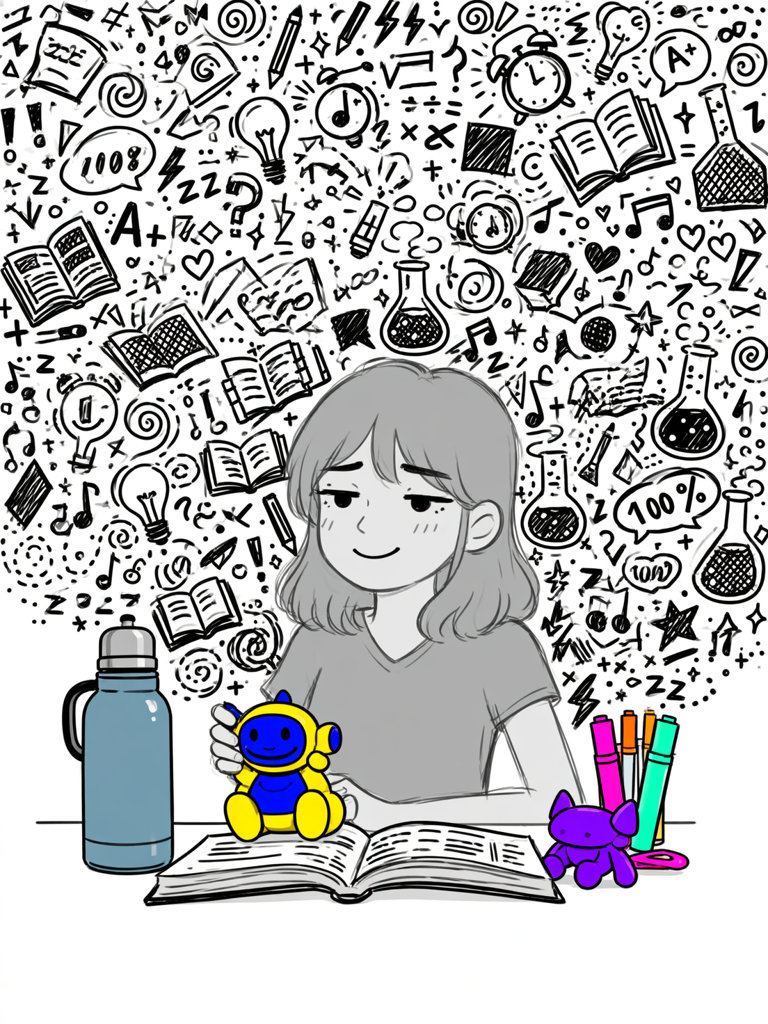
Black ink hand-drawn doodle on white background, extremely dense chaotic background. A young Gen Z woman studying at a desk, books open. Bright yellow+electric blue figurine on textbook. Her hand touching figurine. On desk: dusty blue thermos, fluorescent pink/mint green/orange markers, bright purple toy, neon pink hair clip. Expression: tired but soft smile.
BACKGROUND: Entire space (except bottom 8%) filled with SOLID BLACK DOODLES (study-themed: books, pencils, light bulbs, alarm clocks, question marks, checkmarks, math symbols, flask, music notes, speech bubbles, stars, sparkles, zzz, A+, 100%). No empty white areas. Dense, overlapping, varied sizes.
CHARACTER: Drawn with CLEAN BLACK FINE PEN LINES (not pencil). Line weight is thin and consistent, slightly irregular but not grainy. No shading, no hatching on the figure. The woman's hair and clothes are rendered in LIGHT GRAY (solid gray, not black lines). Her skin has a soft warm peach tint (not grayscale).
Only products are vibrant colors (figurine, markers, toy, hair clip). Thermos is muted dusty blue.
BOTTOM 8% COMPLETELY EMPTY (white, no doodles, no text). Flat, no shading.
Click to copy
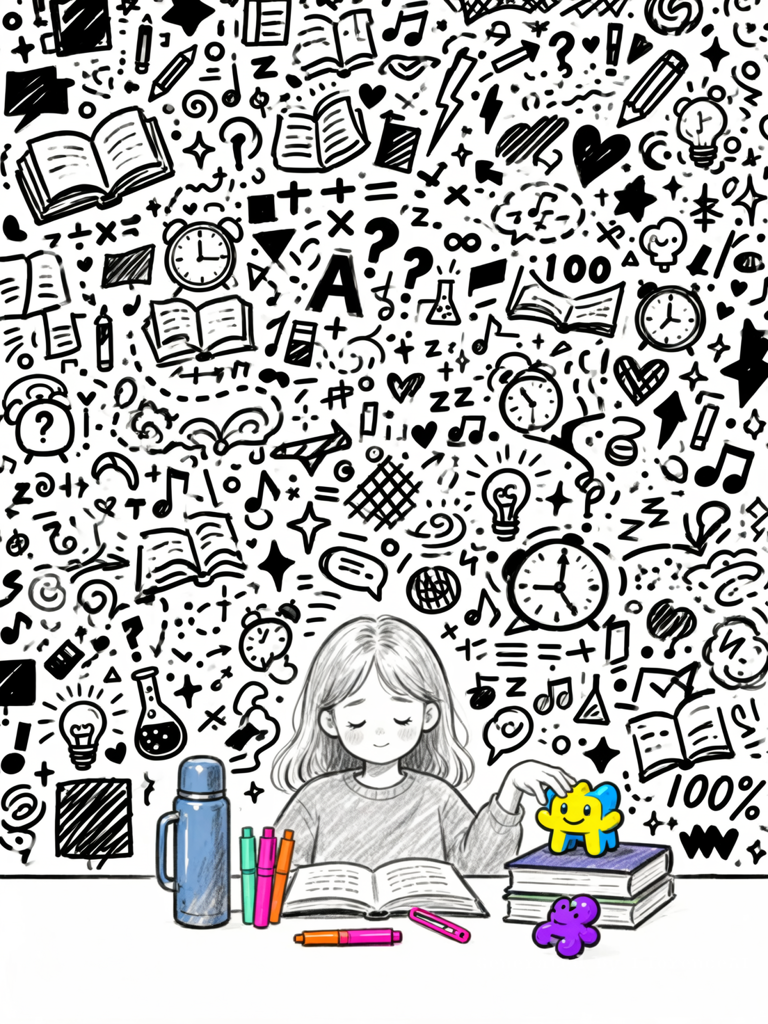
Black ink hand-drawn doodle on white background, EXTREMELY DENSE and chaotic, covering every inch of the background. A young Gen Z woman studying at a desk, books open. Bright yellow+electric blue figurine on textbook. Her hand touching figurine. On desk: dusty blue thermos, fluorescent pink/mint green/orange markers, bright purple toy, neon pink hair clip. Expression: tired but soft smile.
BACKGROUND: THE ENTIRE SPACE (except bottom 8%) IS FILLED WITH SOLID BLACK DOODLES — no empty white areas. Doodles overlap, vary in size (tiny to large), and include: tiny open books with bookmarks, pencils, smiling light bulbs, alarm clocks with zigzag "ringing" lines, question marks, exclamation marks, checkmarks, math symbols (+ - × ÷ = √ ∞), science flask with bubbles, music notes, speech bubbles with "...", stars, sparkles, squiggly underlines, sleepy "zzz", A+ and 100% in handwriting, crosshatch patches, dotted paths, arrows, hearts, spiral swirls, lightning bolts, floating geometric fragments. NO English words except A+/100%.
Woman in light gray sketchy lines (hair/clothes grayscale). ONLY products in vibrant colors.
BOTTOM 8% COMPLETELY EMPTY (pure white, no doodles, no text). Flat, no shading.
Click to copy
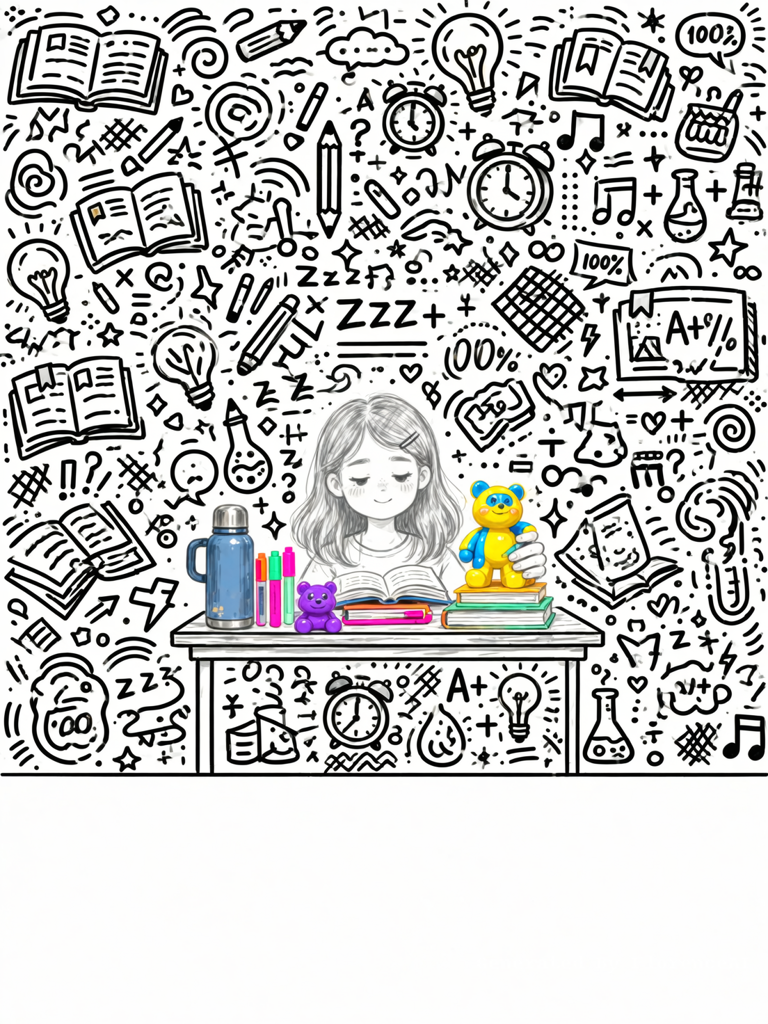
Black ink hand-drawn doodle on white background, EXTREMELY DENSE and chaotic, covering every inch of the background. A young Gen Z woman studying at a desk, books open. Bright yellow+electric blue figurine on textbook. Her hand touching figurine. On desk: dusty blue thermos, fluorescent pink/mint green/orange markers, bright purple toy, neon pink hair clip. Expression: tired but soft smile.
BACKGROUND: THE ENTIRE SPACE (except bottom 8%) IS FILLED WITH SOLID BLACK DOODLES — no empty white areas. Doodles overlap, vary in size (tiny to large), and include: tiny open books with bookmarks, pencils, smiling light bulbs, alarm clocks with zigzag "ringing" lines, question marks, exclamation marks, checkmarks, math symbols (+ - × ÷ = √ ∞), science flask with bubbles, music notes, speech bubbles with "...", stars, sparkles, squiggly underlines, sleepy "zzz", A+ and 100% in handwriting, crosshatch patches, dotted paths, arrows, hearts, spiral swirls, lightning bolts, floating geometric fragments. NO English words except A+/100%.
Woman in light gray sketchy lines (hair/clothes grayscale). ONLY products in vibrant colors.
BOTTOM 8% COMPLETELY EMPTY (pure white, no doodles, no text). Flat, no shading.
Click to copy
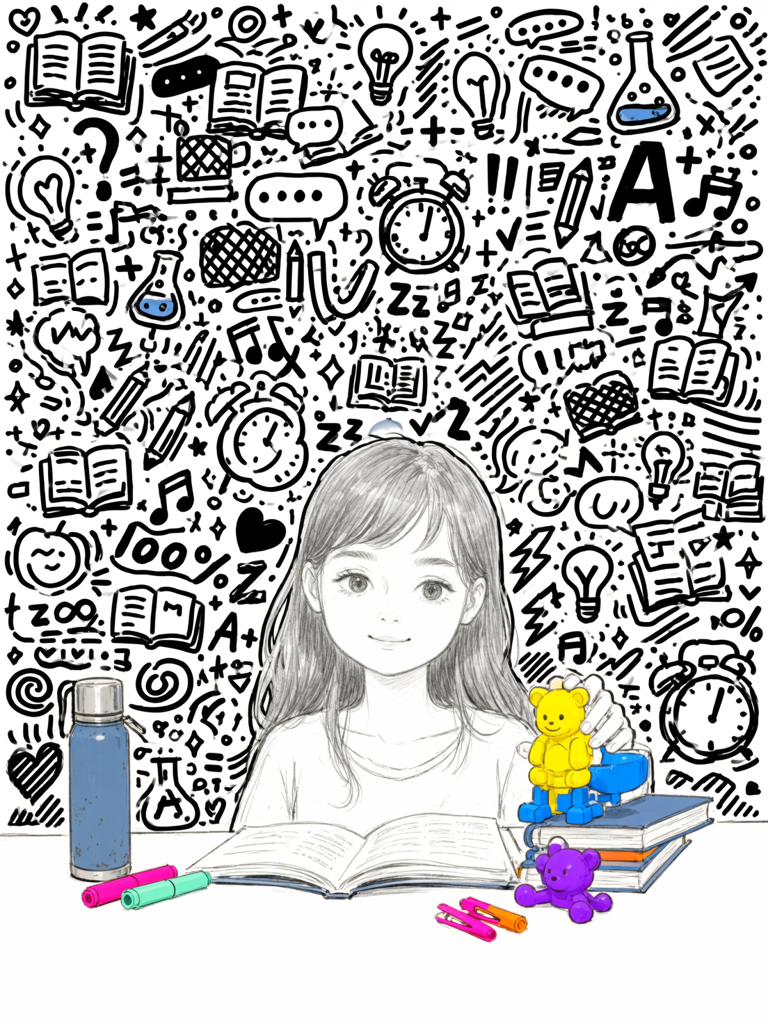
Black ink hand-drawn doodle on white background, EXTREMELY DENSE and chaotic, covering every inch of the background. A young Gen Z woman studying at a desk, books open. Bright yellow+electric blue figurine on textbook. Her hand touching figurine. On desk: dusty blue thermos, fluorescent pink/mint green/orange markers, bright purple toy, neon pink hair clip. Expression: tired but soft smile.
BACKGROUND: THE ENTIRE SPACE (except bottom 8%) IS FILLED WITH SOLID BLACK DOODLES — no empty white areas. Doodles overlap, vary in size (tiny to large), and include: tiny open books with bookmarks, pencils, smiling light bulbs, alarm clocks with zigzag "ringing" lines, question marks, exclamation marks, checkmarks, math symbols (+ - × ÷ = √ ∞), science flask with bubbles, music notes, speech bubbles with "...", stars, sparkles, squiggly underlines, sleepy "zzz", A+ and 100% in handwriting, crosshatch patches, dotted paths, arrows, hearts, spiral swirls, lightning bolts, floating geometric fragments. NO English words except A+/100%.
Woman in light gray sketchy lines (hair/clothes grayscale). ONLY products in vibrant colors.
BOTTOM 8% COMPLETELY EMPTY (pure white, no doodles, no text). Flat, no shading.
Click to copy
Black ink hand-drawn doodle on white background, EXTREMELY DENSE and chaotic, covering every inch of the background. A young Gen Z woman studying at a desk, books open. Bright yellow+electric blue figurine on textbook. Her hand touching figurine. On desk: dusty blue thermos, fluorescent pink/mint green/orange markers, bright purple toy, neon pink hair clip. Expression: tired but soft smile.
BACKGROUND: THE ENTIRE SPACE (except bottom 8%) IS FILLED WITH SOLID BLACK DOODLES — no empty white areas. Doodles overlap, vary in size (tiny to large), and include: tiny open books with bookmarks, pencils, smiling light bulbs, alarm clocks with zigzag "ringing" lines, question marks, exclamation marks, checkmarks, math symbols (+ - × ÷ = √ ∞), science flask with bubbles, music notes, speech bubbles with "...", stars, sparkles, squiggly underlines, sleepy "zzz", A+ and 100% in handwriting, crosshatch patches, dotted paths, arrows, hearts, spiral swirls, lightning bolts, floating geometric fragments. NO English words except A+/100%.
Woman in light gray sketchy lines (hair/clothes grayscale). ONLY products in vibrant colors.
BOTTOM 8% COMPLETELY EMPTY (pure white, no doodles, no text). Flat, no shading.
Click to copy
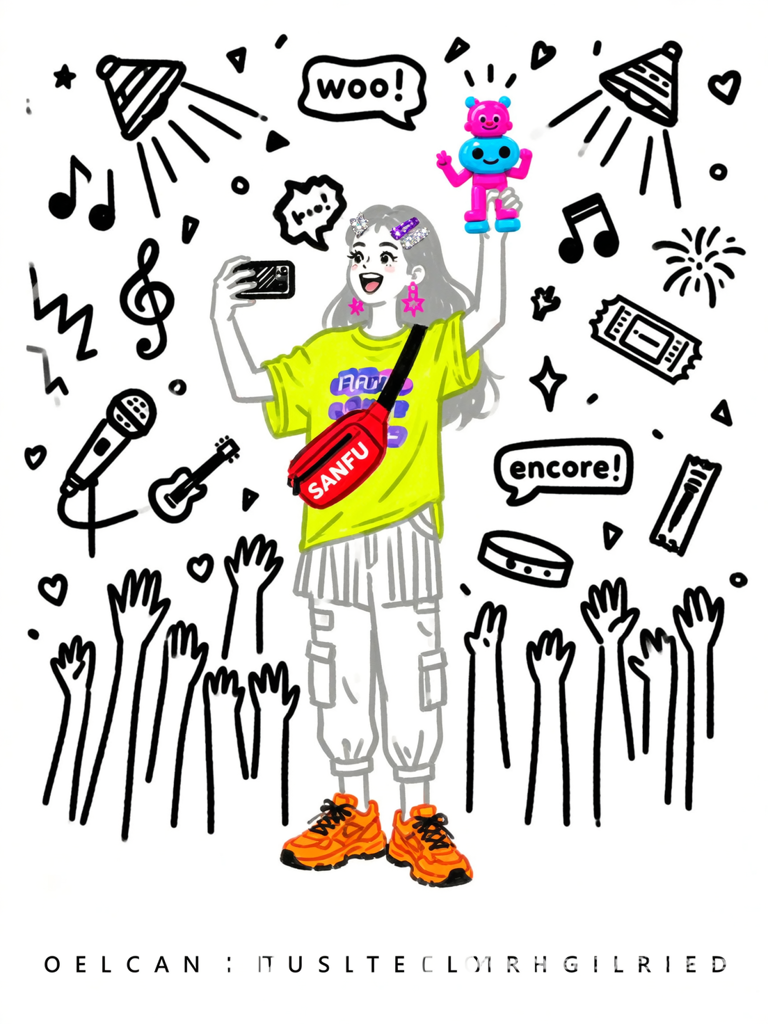
Black ink hand-drawn doodle on white background. Gen Z woman at an idol concert, standing in crowd. She wears a trendy concert outfit: oversized graphic tee (fan color), cargo pants/pleated skirt, chunky sneakers, sparkly hair clips, statement earrings, crossbody SANFU bag (to be added later). One hand holds phone filming the stage, other hand raises a quirky figurine (neon pink + electric blue) high like a cheering prop. Stage lights in background as simple light beams and stars. Expression: excited, joyful, mouth open singing/cheering.
Background white. Doodles solid black, CONCERT-THEMED: music notes (eighth, sixteenth, treble clef), stage spotlights (triangular beams), sound waves (zigzag lines), star bursts, confetti pieces (small triangles and circles), microphone doodle, guitar silhouette, crowd hands/arms raised, heart shapes radiating, speech bubbles with "woo!" "encore!" (minimal), fireworks bursts, concert ticket stub outline, wristband doodle. NO random English words except minimal "woo/encore".
Woman in light gray sketchy lines (hair and clothes grayscale). ONLY products in bright colors: figurine (neon pink + electric blue), outfit details (fluorescent yellow top, hot pink accessories, neon orange sneakers), hair clips (sparkly silver or bright purple). Crossbody bag you add later in brand red.
BOTTOM 8% COMPLETELY EMPTY (white, no doodles, no text) for slogan. Flat, no shading.
Click to copy
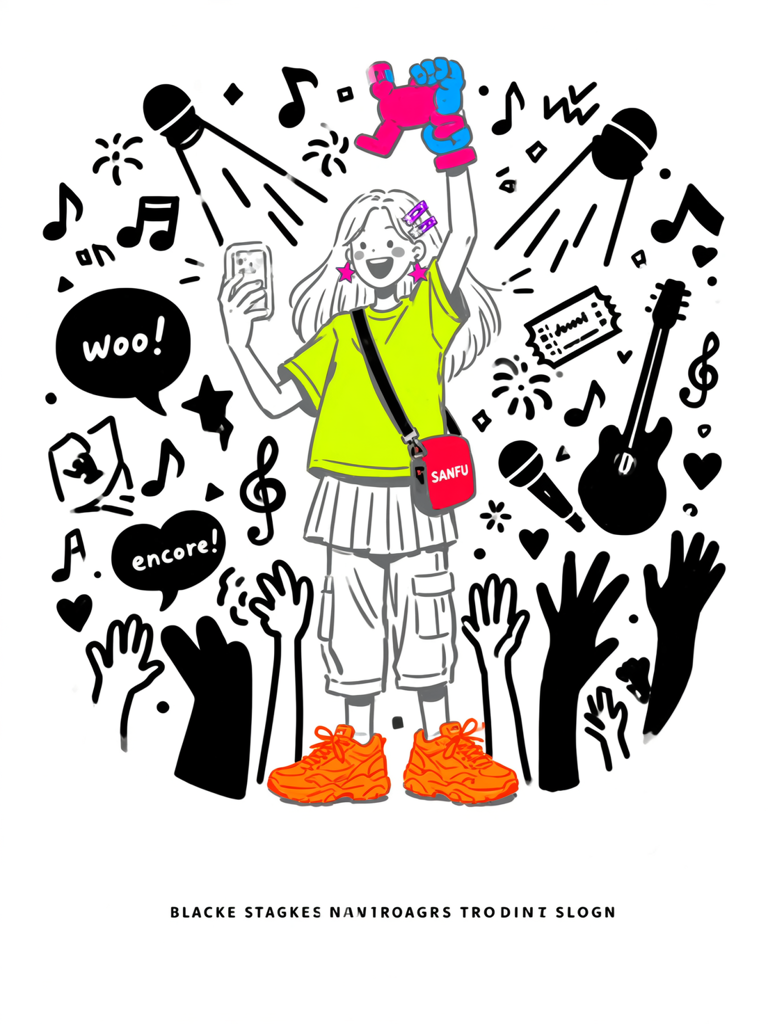
Black ink hand-drawn doodle on white background. Gen Z woman at an idol concert, standing in crowd. She wears a trendy concert outfit: oversized graphic tee (fan color), cargo pants/pleated skirt, chunky sneakers, sparkly hair clips, statement earrings, crossbody SANFU bag (to be added later). One hand holds phone filming the stage, other hand raises a quirky figurine (neon pink + electric blue) high like a cheering prop. Stage lights in background as simple light beams and stars. Expression: excited, joyful, mouth open singing/cheering.
Background white. Doodles solid black, CONCERT-THEMED: music notes (eighth, sixteenth, treble clef), stage spotlights (triangular beams), sound waves (zigzag lines), star bursts, confetti pieces (small triangles and circles), microphone doodle, guitar silhouette, crowd hands/arms raised, heart shapes radiating, speech bubbles with "woo!" "encore!" (minimal), fireworks bursts, concert ticket stub outline, wristband doodle. NO random English words except minimal "woo/encore".
Woman in light gray sketchy lines (hair and clothes grayscale). ONLY products in bright colors: figurine (neon pink + electric blue), outfit details (fluorescent yellow top, hot pink accessories, neon orange sneakers), hair clips (sparkly silver or bright purple). Crossbody bag you add later in brand red.
BOTTOM 8% COMPLETELY EMPTY (white, no doodles, no text) for slogan. Flat, no shading.
Click to copy
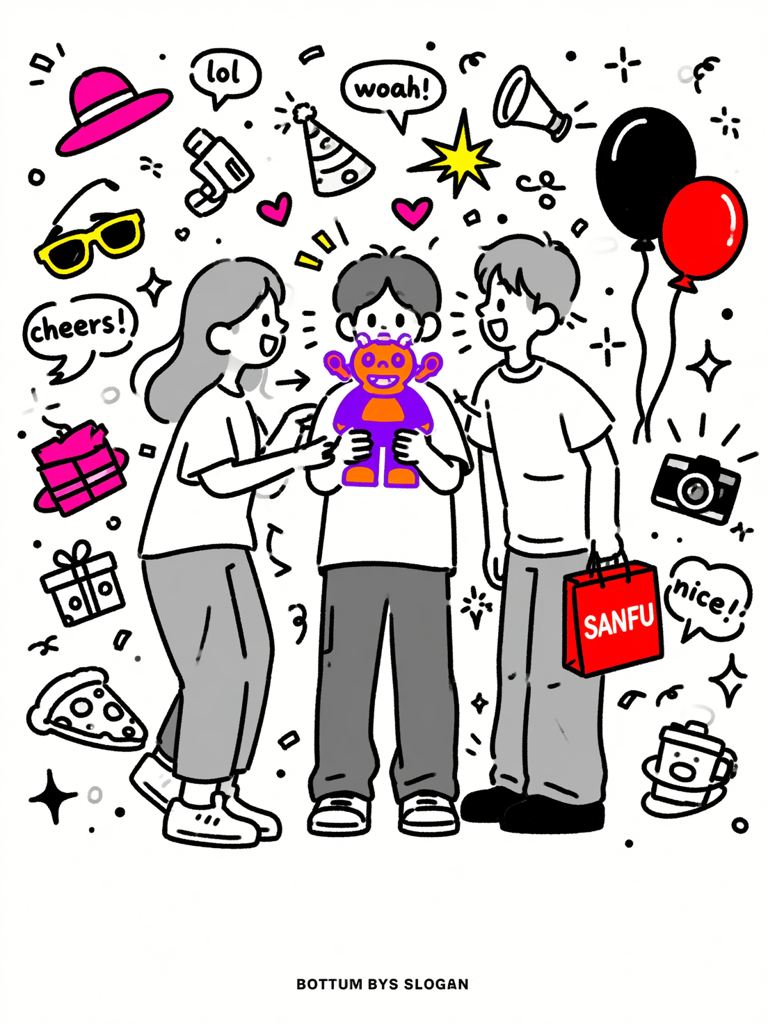
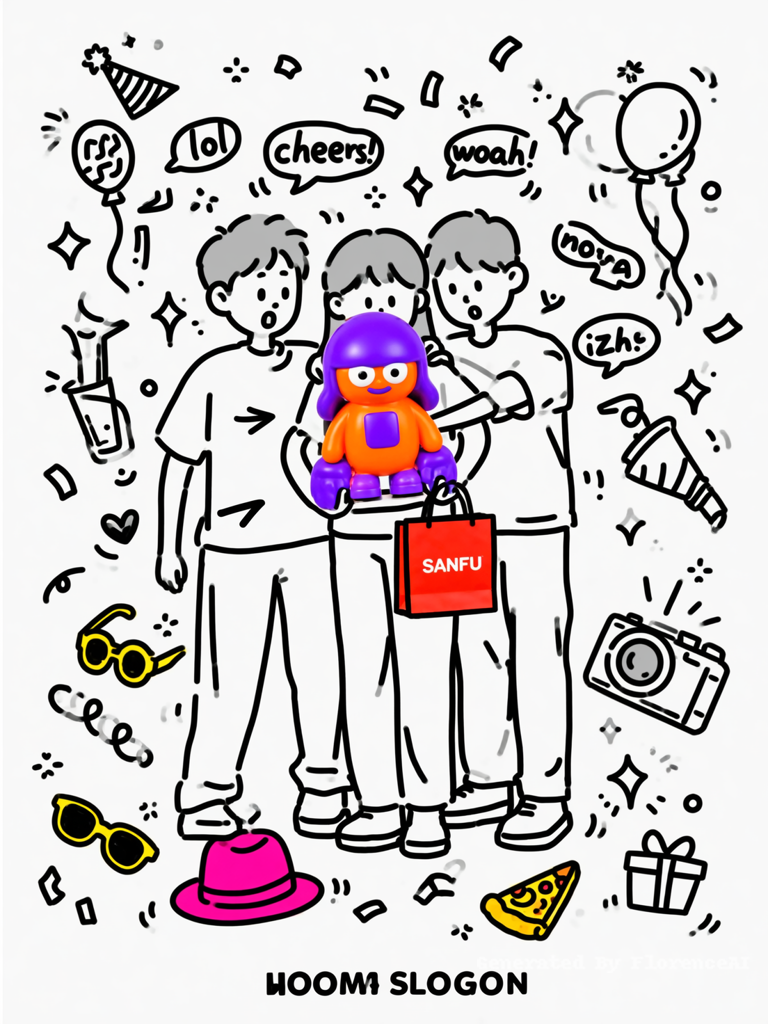
Black ink hand-drawn doodle on white background. Three young Gen Z friends (mix of genders) standing together awkwardly trying to take a group photo. Middle person suddenly raises a quirky figurine (fluorescent orange + electric purple) and a SANFU shopping bag (to be added later) toward the camera. Others look with surprised amused expressions. Props: some colorful accessories (hats, sunglasses) scattered.
Background white. Doodles solid black, PARTY/GATHERING-THEMED: speech bubbles with "lol" "cheers!" (minimal), confetti, party hats, balloons (strings and all), noise makers (blowouts), star bursts, hand-drawn "woah!" "nice!" in small handwriting, arrow pointing to the figurine, small gift boxes, sparkles, heart emoticons, dotted excitement lines, camera flash, pizza slice or drink doodle (optional), smiley faces with party hats. NO random English words except minimal "lol/cheers/woah".
Women/men in light gray sketchy lines (hair and clothes grayscale). ONLY colorful products: figurine (fluorescent orange + electric purple), accessories (neon pink hats, bright yellow sunglasses, etc.), and small items on floor. Shopping bag you add later in brand red.
BOTTOM 8% COMPLETELY EMPTY (white, no doodles, no text) for slogan. Flat, no shading.
Click to copy
Black ink hand-drawn doodle on white background. Three young Gen Z friends (mix of genders) standing together awkwardly trying to take a group photo. Middle person suddenly raises a quirky figurine (fluorescent orange + electric purple) and a SANFU shopping bag (to be added later) toward the camera. Others look with surprised amused expressions. Props: some colorful accessories (hats, sunglasses) scattered.
Background white. Doodles solid black, PARTY/GATHERING-THEMED: speech bubbles with "lol" "cheers!" (minimal), confetti, party hats, balloons (strings and all), noise makers (blowouts), star bursts, hand-drawn "woah!" "nice!" in small handwriting, arrow pointing to the figurine, small gift boxes, sparkles, heart emoticons, dotted excitement lines, camera flash, pizza slice or drink doodle (optional), smiley faces with party hats. NO random English words except minimal "lol/cheers/woah".
Women/men in light gray sketchy lines (hair and clothes grayscale). ONLY colorful products: figurine (fluorescent orange + electric purple), accessories (neon pink hats, bright yellow sunglasses, etc.), and small items on floor. Shopping bag you add later in brand red.
BOTTOM 8% COMPLETELY EMPTY (white, no doodles, no text) for slogan. Flat, no shading.
Click to copy
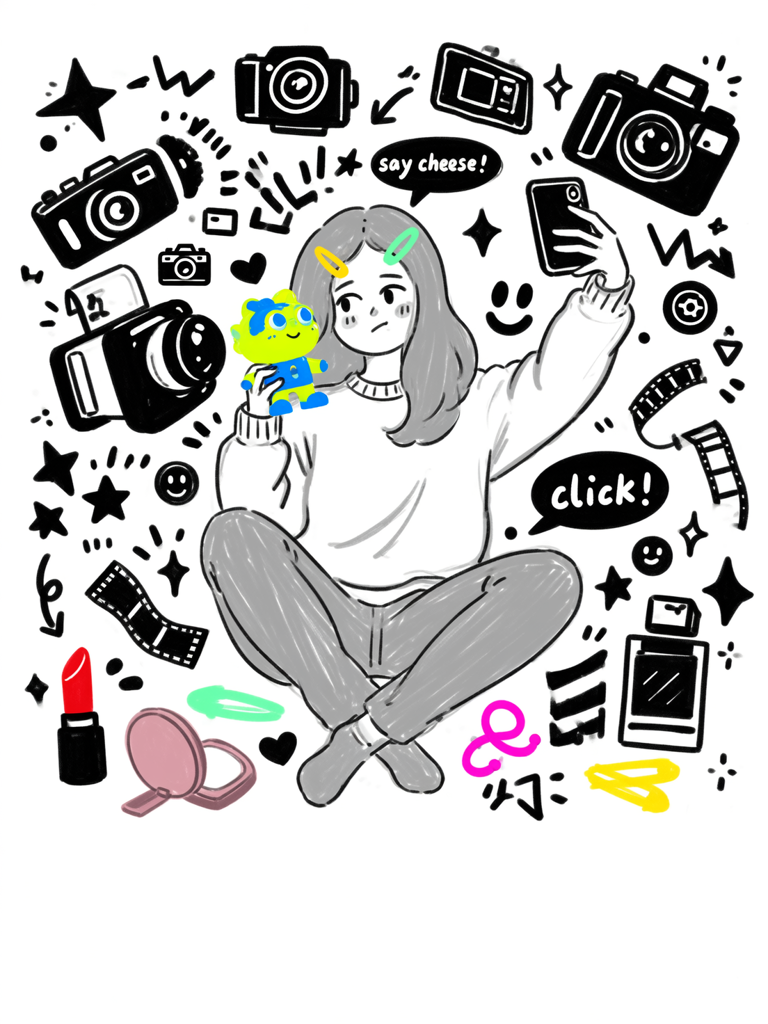
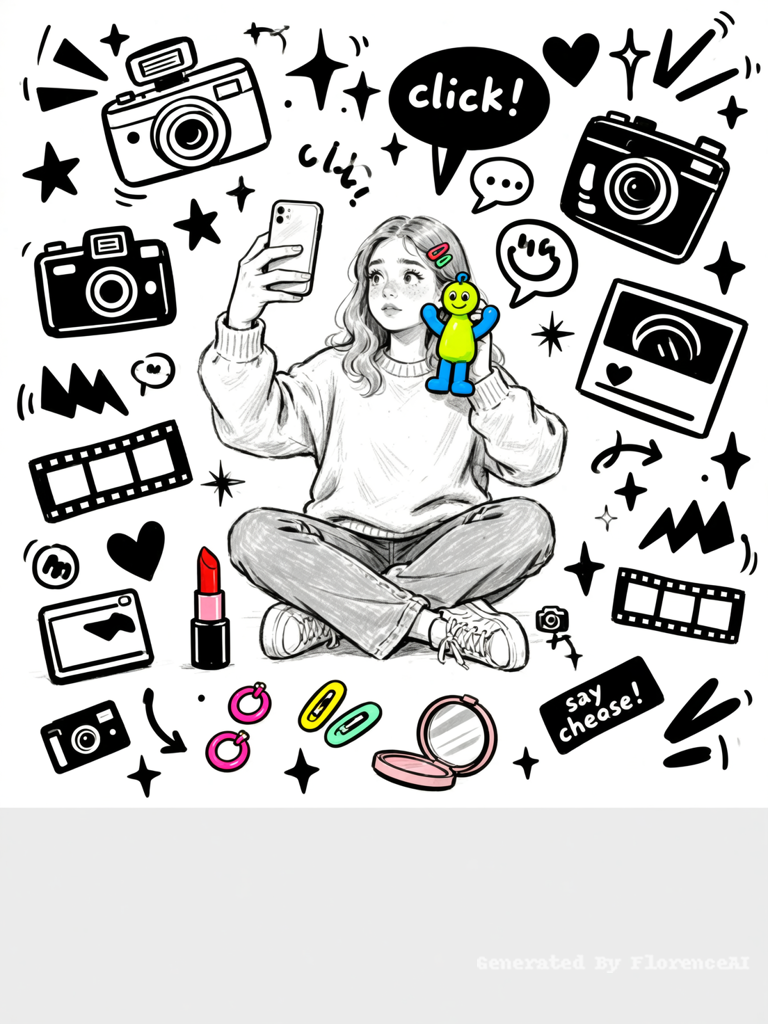
Black ink hand-drawn doodle on white background. Gen Z woman sitting on dorm floor, holding phone up for a selfie with blank screen. Her other hand holds a quirky figurine (bright yellow + electric blue) beside her cheek like a photo buddy. Scattered around: open red lipstick, neon pink earrings, colorful hair clips, small mirror. Expression: curious and playful, slightly tired but smiling.
Background white. Doodles solid black, PHOTO-THEMED: cameras (retro and instant), film strips, photo frames, flash bursts, stars, sparkles, speech bubbles with "click!" "say cheese!" (minimal words), arrows pointing to products, smiley faces, hearts, polaroid photos with blank squares, shutter button icons, zigzag flash lines, lens reflections (simple circles), small "📸" emoji-style doodle. NO random English words except minimal "click/cheese".
Woman in light gray sketchy lines (hair and clothes grayscale). ONLY products in bright colors: figurine (fluorescent yellow + electric blue), lipstick (pure red), earrings (neon pink), hair clips (bright yellow/mint), small mirror (muted pink).
BOTTOM 8% COMPLETELY EMPTY (white, no doodles, no text) for slogan. Flat, no shading.
Click to copy
Black ink hand-drawn doodle on white background. Gen Z woman sitting on dorm floor, holding phone up for a selfie with blank screen. Her other hand holds a quirky figurine (bright yellow + electric blue) beside her cheek like a photo buddy. Scattered around: open red lipstick, neon pink earrings, colorful hair clips, small mirror. Expression: curious and playful, slightly tired but smiling.
Background white. Doodles solid black, PHOTO-THEMED: cameras (retro and instant), film strips, photo frames, flash bursts, stars, sparkles, speech bubbles with "click!" "say cheese!" (minimal words), arrows pointing to products, smiley faces, hearts, polaroid photos with blank squares, shutter button icons, zigzag flash lines, lens reflections (simple circles), small "📸" emoji-style doodle. NO random English words except minimal "click/cheese".
Woman in light gray sketchy lines (hair and clothes grayscale). ONLY products in bright colors: figurine (fluorescent yellow + electric blue), lipstick (pure red), earrings (neon pink), hair clips (bright yellow/mint), small mirror (muted pink).
BOTTOM 8% COMPLETELY EMPTY (white, no doodles, no text) for slogan. Flat, no shading.